
integration
SketchUp viewports to polished design visuals
Keep your SketchUp modeling workflow — Gouash handles the presentation layer from captured viewports.
The Gouash connector for SketchUp is free and installs from Gouash for Windows (Settings › Connectors), or from the .rbz file in the Extension Manager. You can also upload a screenshot on the web. Get Gouash for Windows →
Typical workflow
- 1
Install Gouash for Windows and its SketchUp connector
- 2
Press Capture, or Extensions › Gouash › Send all scenes
- 3
Describe finishes, lighting, and context
- 4
Refine with localized edits and share with clients
What Gouash supports today
- Multi-reference generation (up to 5 images)
- Every scene sent in one click
- Revision controls without full regeneration
- Client approval tracking
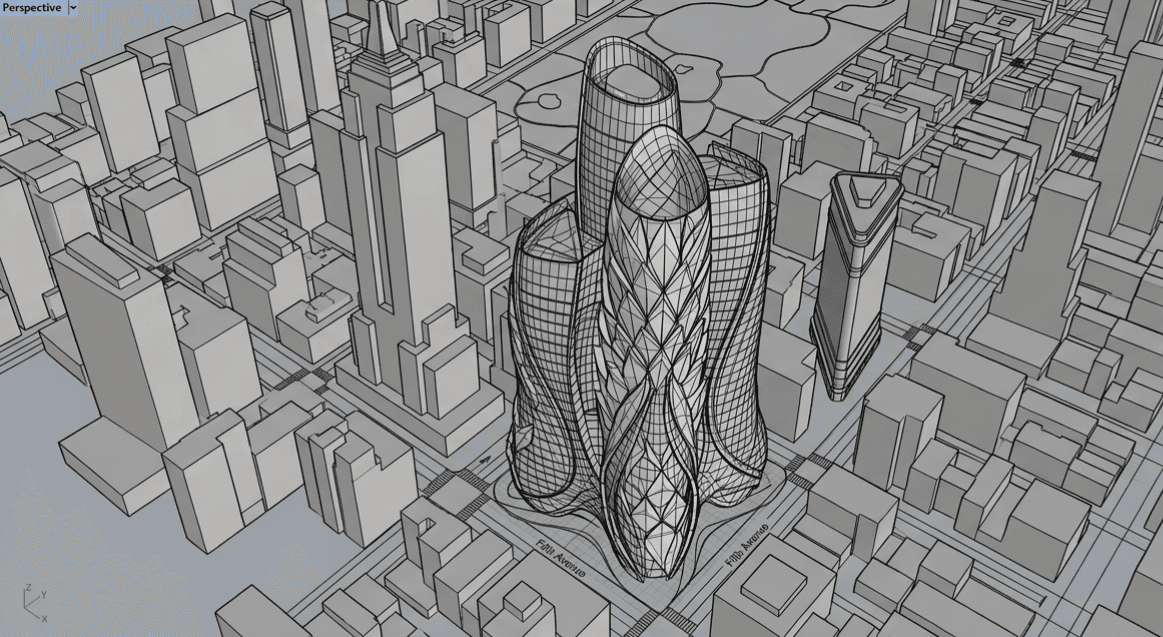
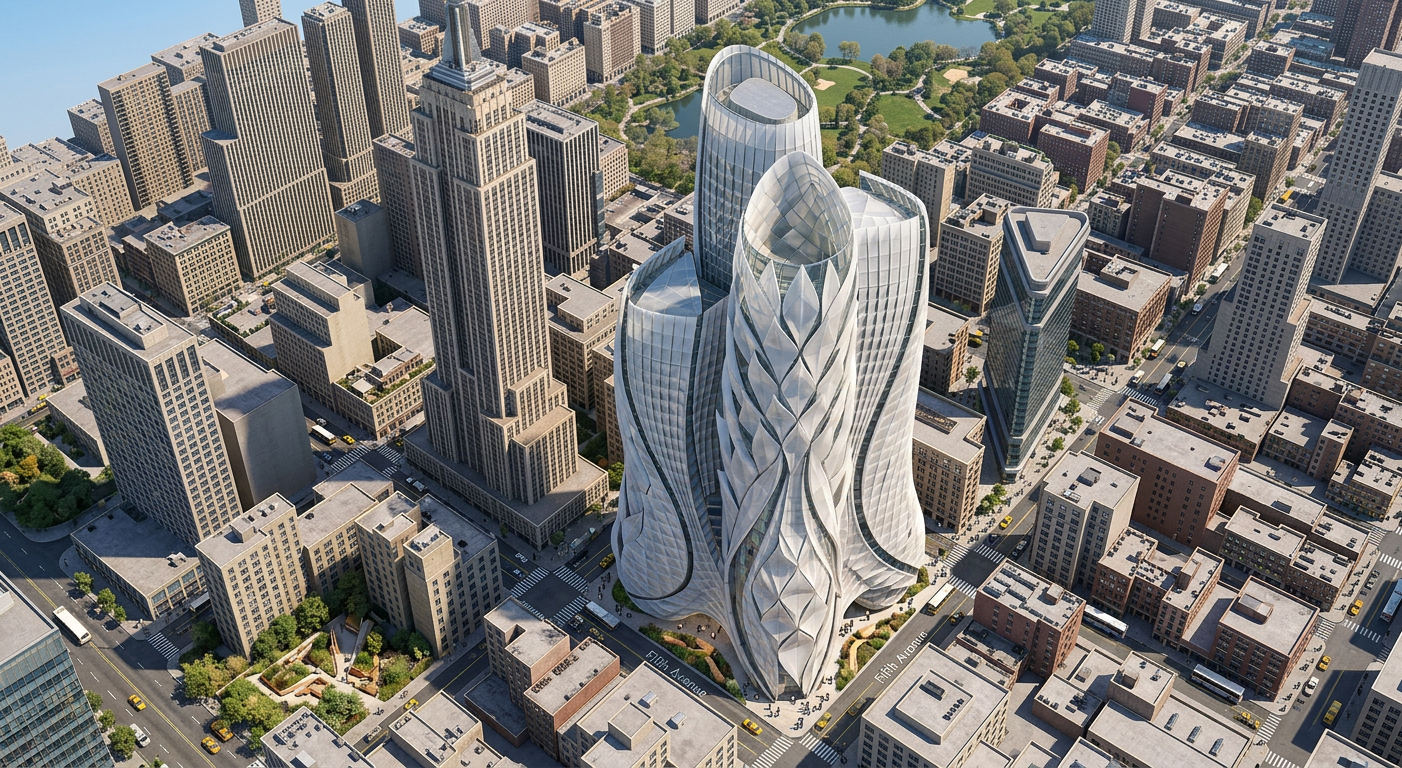
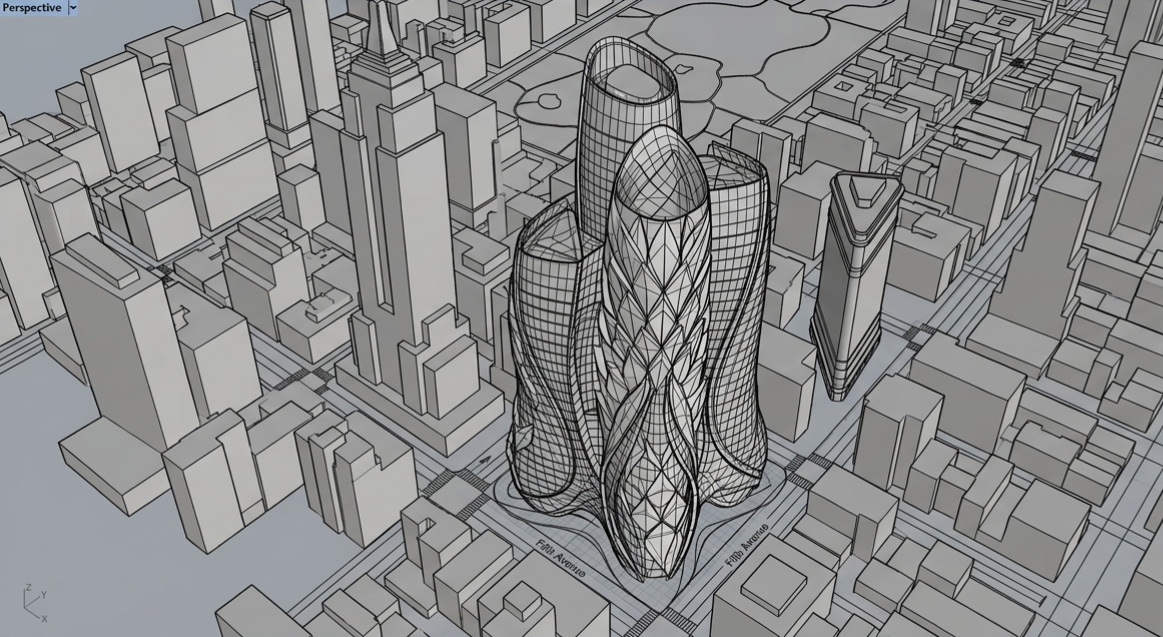
Before & after
↔
SketchUp viewport to render
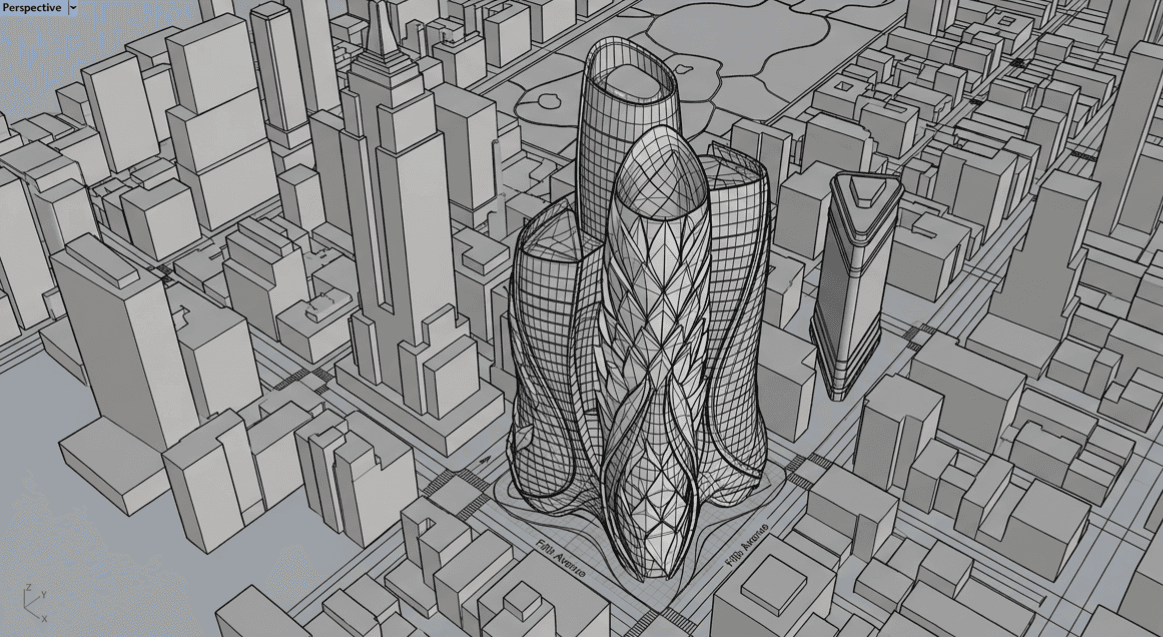
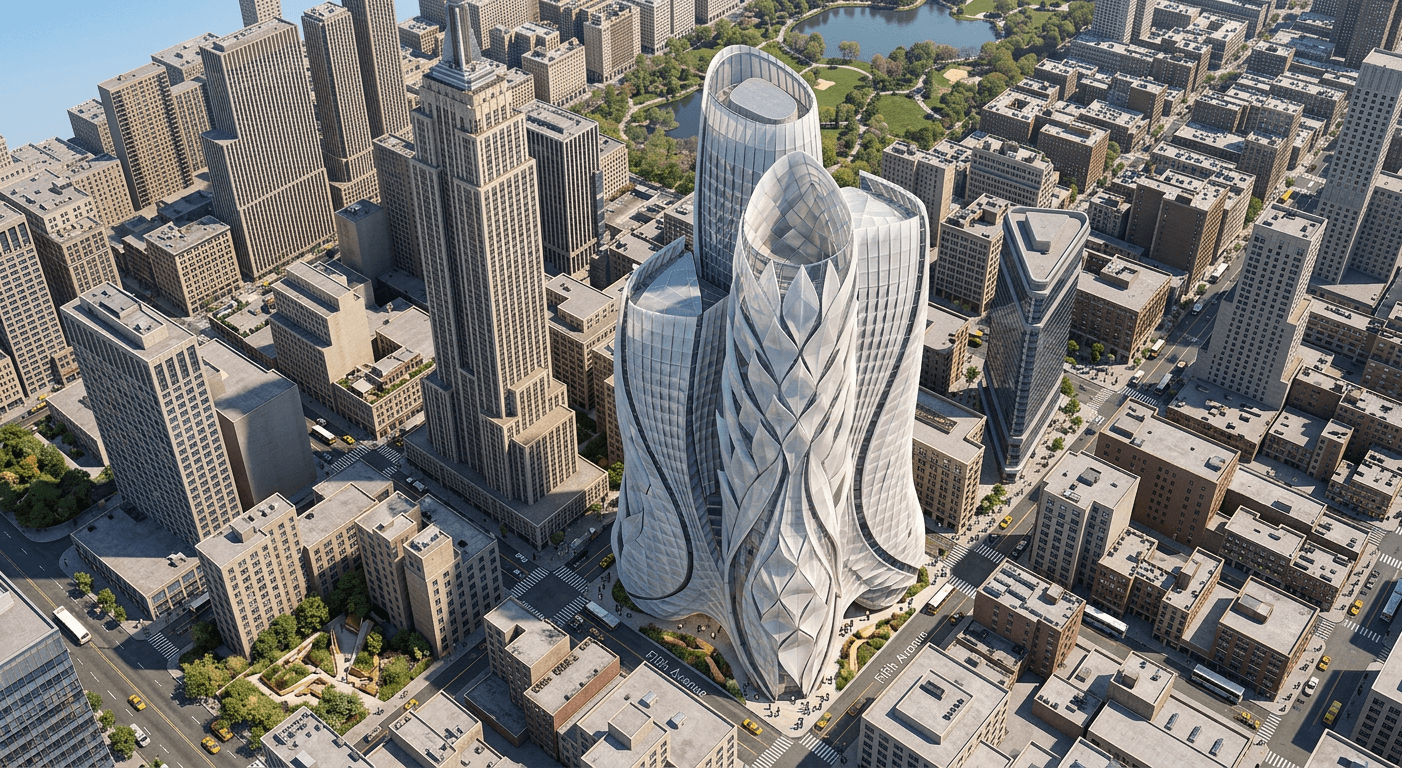
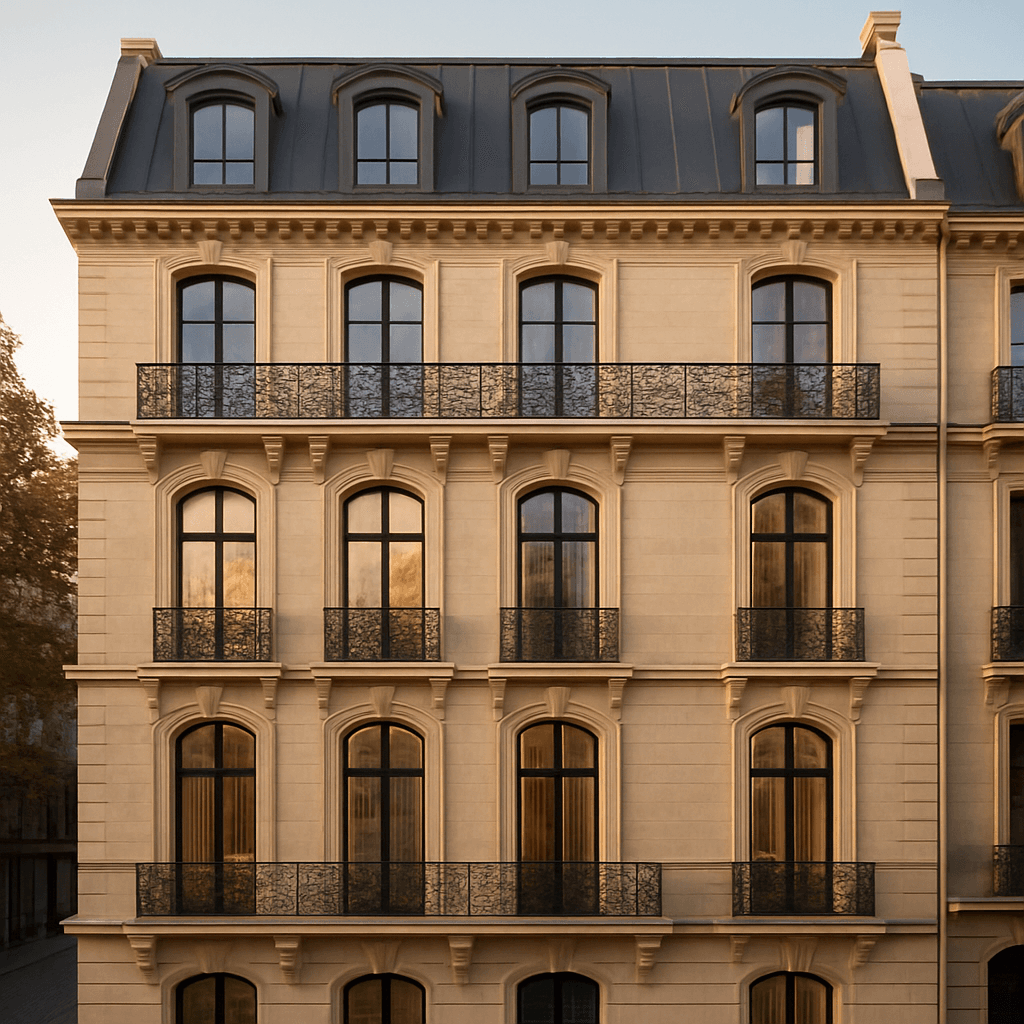
Example outputs
Try it on your next project
Start free, build a moodboard, and generate your first visual in minutes.