
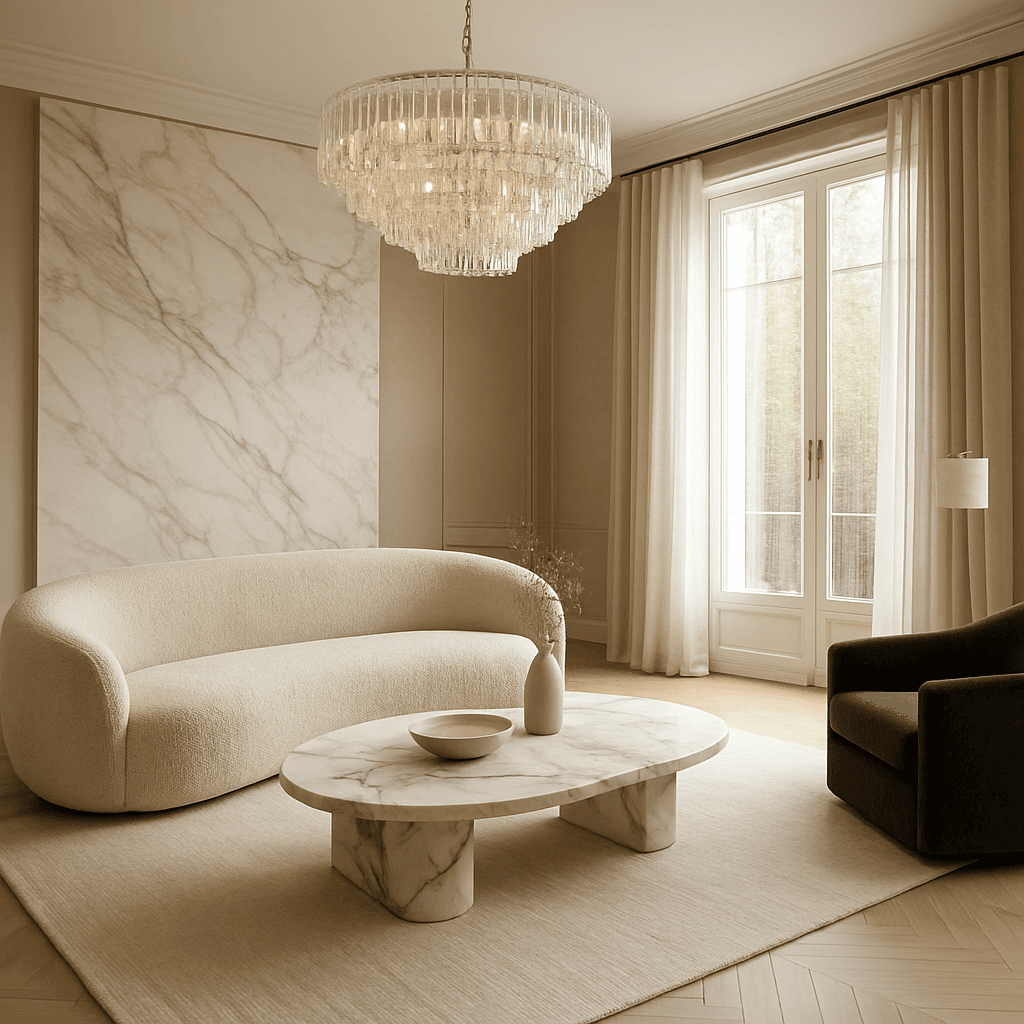
 Concepts → client
You
Redesign the Chen living room in warm minimal — two options — and send Mrs Chen a review link.
get_projectcreate_designcreate_review_linkNew · Gouash connector and skill
Connect Claude, ChatGPT, Claude Code, Cursor or your own agent to Gouash. 75 tools cover every feature of the site — renders, Atelier edits, mood boards, Pin-ups, real products, budgets, client links and teams.
https://www.gouash.com/api/mcpYou
“Make two warm-minimal options for the Chen living room.”
Your assistant
Claude · ChatGPT · your agent
Gouash connector
75 tools
Signed in as you · your credits · your roles
Renders & edits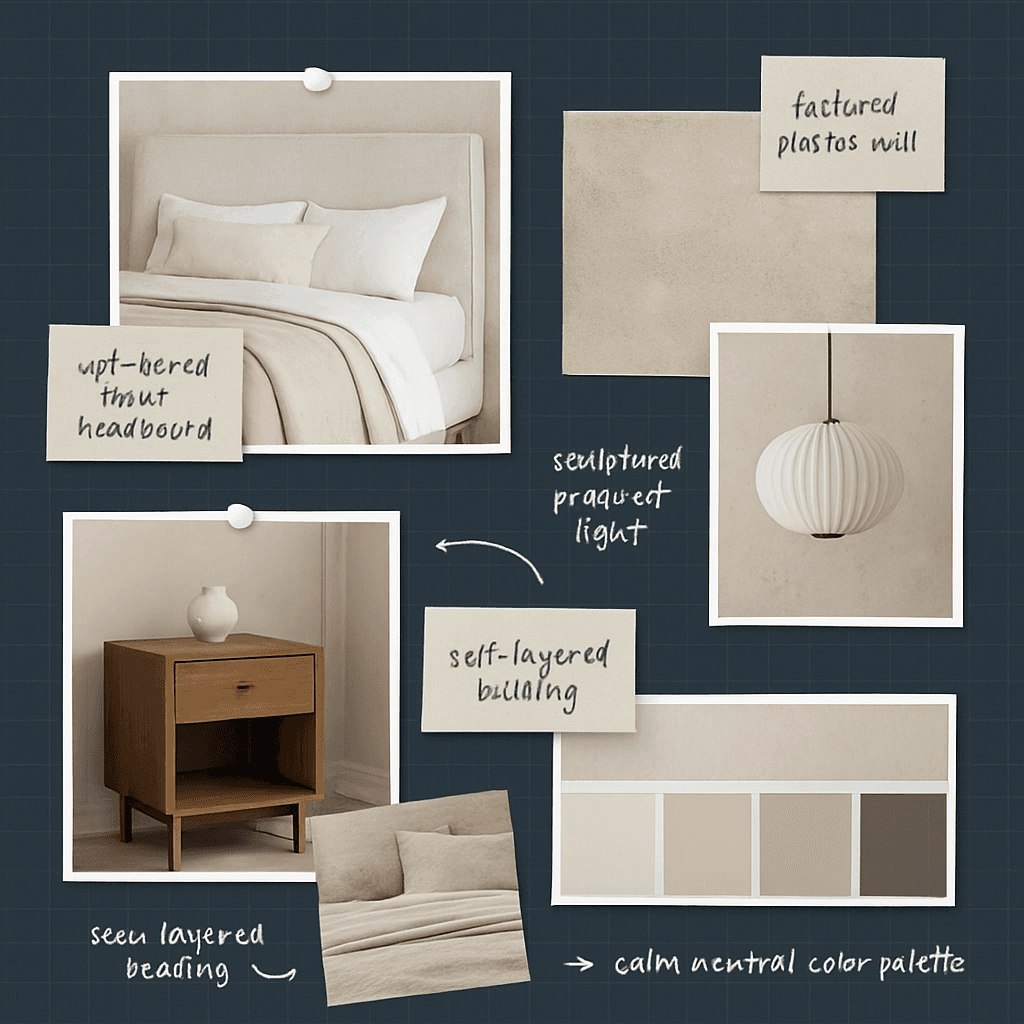 Mood boards
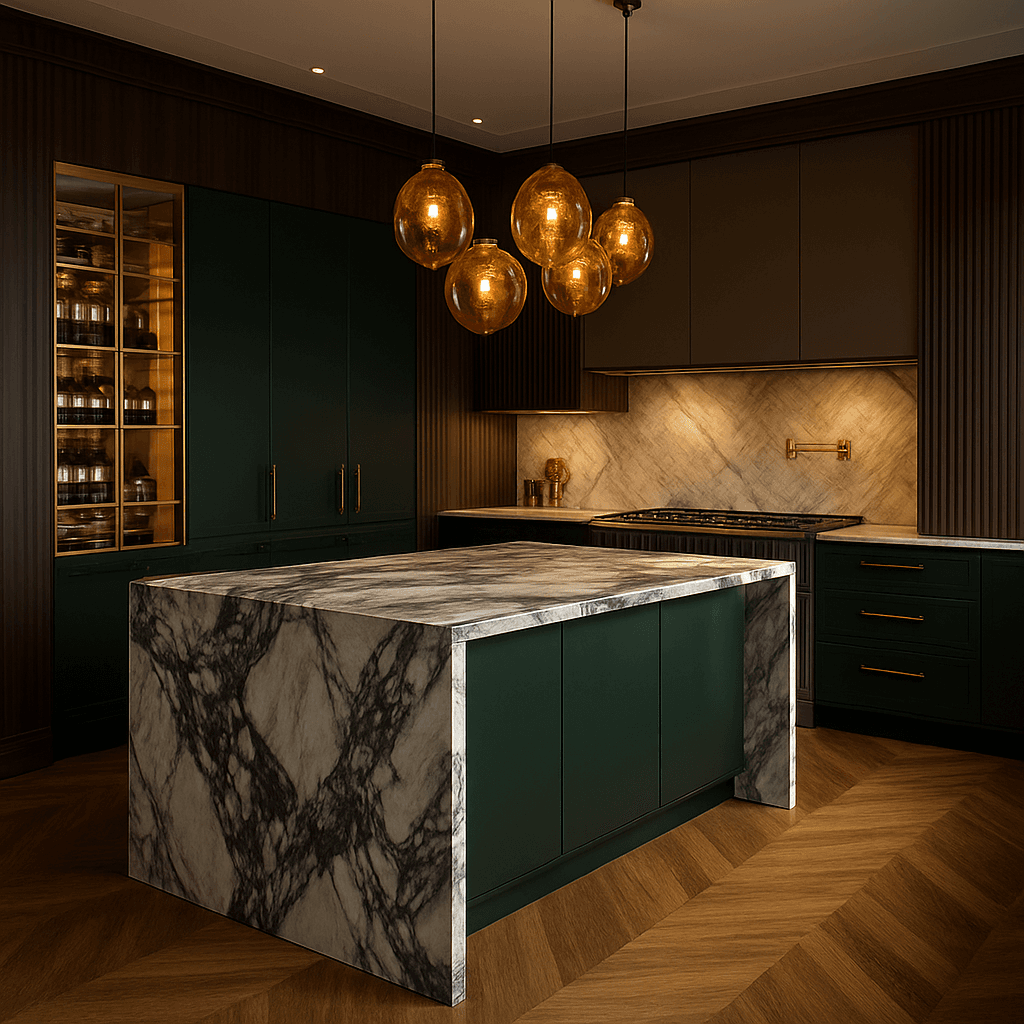 Products & value
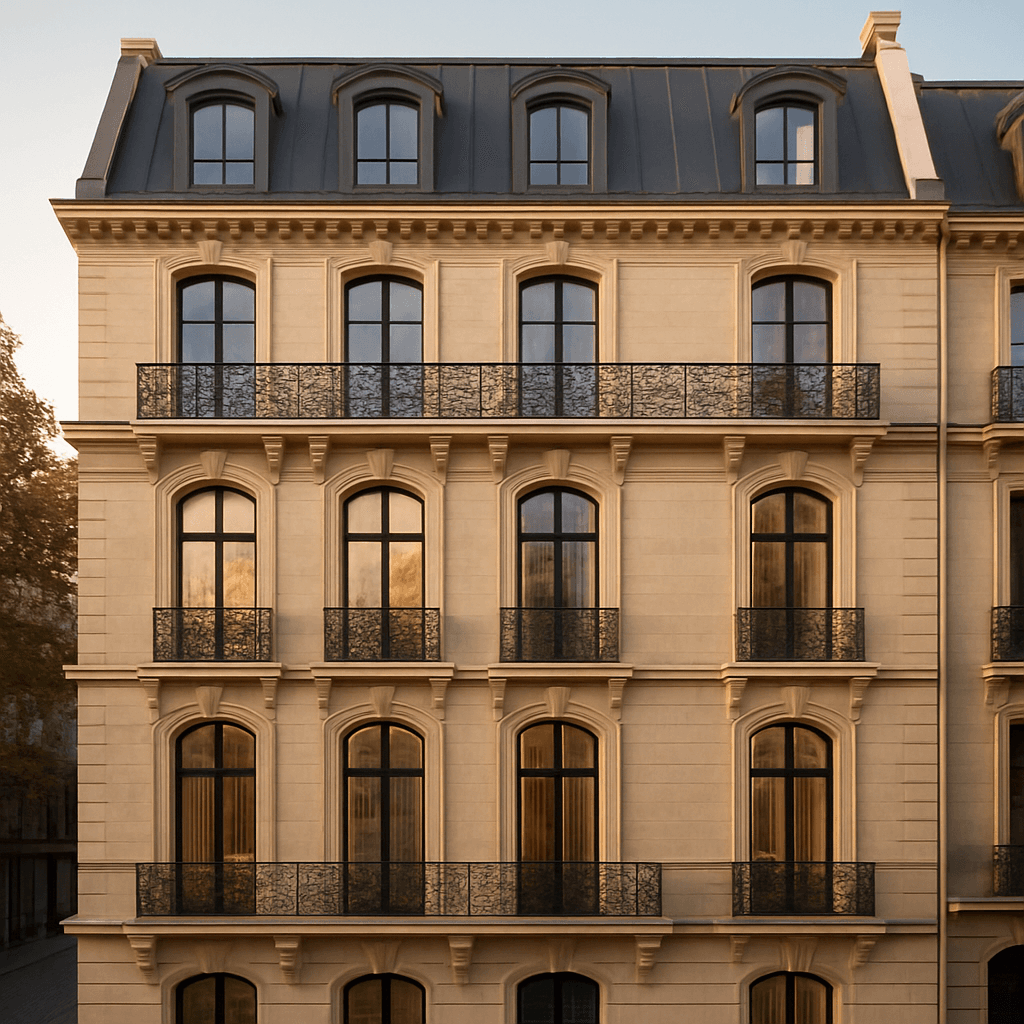 Pin-ups & clients
The connector · MCP
An MCP server is a set of tools an assistant can call. Gouash's connector gives your assistant the same abilities you have on gouash.com — and nothing more — signed in as you.
The skill
A skill is a playbook Claude reads when a task matches it. The Gouash skill teaches the order of work, how to brief a render, how to name what to edit, and when to ask before spending.
Add the skill in Claude: Customize › Skills › + › Create skill › Upload a skill (code execution must be on in Settings › Capabilities). In Claude Code, unzip it into ~/.claude/skills/.
Set up
Pick where you work. Every option signs in to your own Gouash account.
https://www.gouash.com/api/mcp, then Add.Team and Enterprise plans: an Owner adds Gouash once under Organization settings › Connectors; everyone then connects their own Gouash account.
Ask in plain words
Your assistant picks the tools, shows you the images and asks before it spends.
Concepts → clientYou
Redesign the Chen living room in warm minimal — two options — and send Mrs Chen a review link.
get_projectcreate_designcreate_review_linkImage ↔ mood boardYou
Make a mood board from these three photos, then design the master bedroom from it.
upload_imagecreate_mood_boarddesign_from_mood_boardReal products → valueYou
Put the oak table and the Kiri pendant in the kitchen photo, add both to Selections and tell me what's left of the budget.
place_products_in_roomadd_selectionsestimate_project_valuePin-up → fixesYou
Pin up the facade render, then apply the two quick wins and show me before and after.
create_pinupedit_imageData sheet
Inputs, what each one does and what it costs. Credits: 1 credit ≈ US$0.10. Tools marked Reads never change anything.
| Tool | What it does | Inputs | Cost |
|---|---|---|---|
get_accountAccount, credits and prices | The signed-in user's plan, credit balance, what each action costs, and the Pro/Teams plans. Call this first and before any expensive run. | — | Reads |
get_activityRecent work and client activity | Home feed: projects to continue, recent images, client comments and approvals. | — | Reads |
searchSearch everything | Find projects, rooms and images by words (client name, room, style…). |
| Reads |
get_taskCheck a running task | Result of a long render or edit that returned a task_id. Poll every ~30 s until status is done or failed. |
| Reads |
contact_supportContact Gouash support | Open a support ticket for the user (billing questions, bugs, refunds). |
| Changes |
list_support_ticketsSupport tickets | The user's support tickets and their status. | — | Reads |
| Tool | What it does | Inputs | Cost |
|---|---|---|---|
list_projectsList projects | All projects the user can see (their own and their teams'), newest first, with rooms, status and cover. | — | Reads |
get_projectOpen a project | A project with its brief, rooms (with cover and counts), style memory and recent activity. |
| Reads |
create_projectCreate a project | New client project, optionally with its rooms. |
| Changes |
update_projectUpdate a project or its brief | Rename, change client/summary/budget, fill in the brief (who it's for, needs, must-keep, rooms, budget amount), or archive. |
| Changes |
delete_projectDelete a project | Deletes a project the user owns. Its images stay in the Library. Ask the user first. |
| Deletes |
add_roomAdd a room | Adds a room to a project. Rooms hold the room photos and every design and edit of that room. |
| Changes |
get_roomOpen a room | A room and all its images (photos, concepts and edits), oldest first. Everyone in a team project sees all of them. |
| Reads |
update_roomUpdate a room | Rename a room, set its status (draft, in_review, approved), type or size (e.g. '5.2 x 4.1 x 2.7'), or move it to another project. |
| Changes |
delete_roomDelete a room | Removes the room; its images stay in the Library. Ask the user first. |
| Deletes |
add_room_photosAdd room photos | Saves photos of the existing room (https URLs, e.g. from upload_image) into a room. |
| Changes |
get_project_styleProject style memory | What Gouash has learned about the client's taste in this project (styles, materials, palette, do/don't lines). |
| Reads |
set_project_styleTurn project style on or off | Whether new renders in this project apply the learned style by default. |
| Changes |
| Tool | What it does | Inputs | Cost |
|---|---|---|---|
upload_imageUpload an image | Stores an image in Gouash and returns its https URL. Give a public image URL or base64 data (JPEG, PNG or WebP, ≤10 MB). |
| Changes |
list_imagesList images (Library) | Renders, edits and videos in the Library, newest first. |
| Reads |
get_imageOpen an image | One image with its prompt, size, project, room and parent version. |
| Reads |
update_imageRename, favourite or file an image | Set an image's title, favourite flag, or project. |
| Changes |
delete_imageDelete an image | Deletes an image from the Library for good. Ask the user first. |
| Deletes |
create_designCreate a design (render) | Photorealistic interior or architectural image from words, optionally based on a room photo (kept as is: walls, windows, camera) and up to 8 reference images (furniture, materials, mood). Use for new concepts and restyles of a whole room. |
| Credits 5 per image (4K: 9) |
relight_imageDay · Dusk · Night | Same room and design, new light: bright midday, blue-hour dusk with lamps on, or night. Nothing else changes. |
| Credits 5 per version |
match_other_angleSame design, another angle | Applies a finished design to another photo of the same room taken from a different spot. |
| Credits 5 |
upscale_imageUpscale to 4K | Sharper, larger version of an image for print or presentation. |
| Credits 5 |
animate_imageAnimate (video walkthrough) | Short camera-move video from a still. Returns a job id; check it with get_video. |
| Credits 6 per second |
get_videoVideo status | Status and URL of a video started with animate_image. |
| Reads |
remove_backgroundCut out (remove background) | Transparent PNG of the main object, e.g. a product photo for a board. |
| Credits 1 |
| Tool | What it does | Inputs | Cost |
|---|---|---|---|
find_objectsFind objects in an image | Names and outlines (boxes as 0–1 fractions) of the furniture, lights, rugs, walls and floor in an image. Use the names as `target` in edit_image. |
| Reads |
edit_imageEdit an image (Atelier) | Photo-faithful edit of one image; everything not asked for stays the same. Tools: describe (any change in words), restyle (whole room in a style), stage (furnish an empty room), declutter, remove (target), replace (target → instruction or a library product), materials (target surface → finish), lighting (relight), move (target → new place/size with `move`). `target` is found automatically (e.g. 'sofa', 'rug', 'walls'). Each edit is checked; if the check fails after one free retry the credits come back. |
| Credits 5 (refunded if the check fails) |
| Tool | What it does | Inputs | Cost |
|---|---|---|---|
list_mood_boardsList mood boards | The user's mood boards with titles and cover images. | — | Reads |
get_mood_boardOpen a mood board | Palette (hex), materials and objects (each with a close-up image), mood words, style tags, lighting, design moves and a ready prompt. |
| Reads |
create_mood_boardMood board from images | Reads 1–5 photos or renders and catalogues every material, finish, piece of furniture and decor item, with close-ups, a palette and a prompt. Close-ups keep filling in for a minute after it returns. |
| Credits 30 + 2 per extra image |
design_from_mood_boardDesign from a mood board | Renders a room in the mood board's style. With a room photo it redesigns that room (walls, windows and camera kept); without one it makes a new space. |
| Credits 5 per image |
delete_mood_boardDelete a mood board | Deletes a mood board. Ask the user first. |
| Deletes |
| Tool | What it does | Inputs | Cost |
|---|---|---|---|
list_pinupsList Pin-ups | Design reviews the user has run, newest first. | — | Reads |
get_pinupOpen a Pin-up | A design review: overall and per-area scores, what isn't working and where (pinned on the image), quick wins and insights. |
| Reads |
create_pinupPin-up (design review) | Pins 1–5 interior images up for review, as in a studio crit: scores for layout, light, materials, colour, scale and styling, issues located on the image, quick wins and how to fix them. To apply a fix, call edit_image with tool 'describe' and the fix as the instruction. |
| Credits 3 per image |
delete_pinupDelete a Pin-up | Deletes a Pin-up. Ask the user first. |
| Deletes |
| Tool | What it does | Inputs | Cost |
|---|---|---|---|
list_productsProduct library | Real products the user saved (name, photo, price, shop, category) and where each is used (projects, designs). |
| Reads |
add_productSave a product | Adds a real product to the library. The photo is copied into Gouash. |
| Changes |
add_product_from_linkSave a product from a shop link | Reads a product page (name, price, photos) and saves it. Some big shops block this; then use add_product with the details. |
| Changes |
update_productEdit a product | Change a saved product's name, price, shop link, category or notes. |
| Changes |
delete_productDelete a product | Removes a product from the library. Ask the user first. |
| Deletes |
place_products_in_roomPut real products in a room | Renders the user's room with up to 8 real library products in it, true to their shape, colour and scale. The products are linked to the new image. |
| Credits 5 |
link_products_to_imageTag products in an image | Records which library products appear in an image (Shop the look on review links, and Selections). |
| Changes |
extract_products_from_imageExtract products from a design | Lists the furniture and decor in a finished design, with matching products already in the library and a shopping search for real look-alikes of each. |
| Reads |
list_product_boardsProduct boards and budgets | Boards of products with quantities, totals and budgets. | — | Reads |
save_product_boardCreate or update a product board | Creates a board (no board_id) or updates one: name, budget, currency, project and the full list of items (product_id + qty). |
| Changes |
fit_board_to_budgetFit a board to a budget | Suggests swaps for cheaper library products of the same type until the board's total fits the budget. |
| Reads |
delete_product_boardDelete a product board | Deletes a product board (the products stay in the library). |
| Deletes |
| Tool | What it does | Inputs | Cost |
|---|---|---|---|
list_selectionsProject selections (schedule) | The project's schedule of chosen pieces: quantity, price, room, size, finish, status (proposed/approved/ordered) and client notes. |
| Reads |
add_selectionsAdd to selections | Adds pieces to a project's schedule: library products by id, or items by name/price/link. |
| Changes |
update_selectionUpdate a selection | Change status, price, quantity, room, size, finish or retailer of one scheduled piece. |
| Changes |
delete_selectionRemove a selection | Takes a piece off the schedule. |
| Deletes |
estimate_project_valueEstimate the project's value | Totals the schedule: overall, by room and by status, against the brief's budget, with items still missing a price. |
| Reads |
| Tool | What it does | Inputs | Cost |
|---|---|---|---|
list_project_boardsProject boards | Free-form inspiration boards of a project (images, notes, swatches, products). |
| Reads |
get_project_boardOpen a project board | A board's items and, if extracted, its mood board. |
| Reads |
create_project_boardCreate a project board | New empty board in a project. |
| Changes |
add_to_project_boardAdd to a project board | Pins images, notes, colour swatches or library products onto a board (laid out in a grid after what's there). |
| Changes |
extract_mood_board_from_project_boardExtract a mood board from a project board | Turns a board's images and products (up to 5) into a full mood board linked to the board. |
| Credits 30 + 2 per extra image |
| Tool | What it does | Inputs | Cost |
|---|---|---|---|
list_review_linksClient review links | Branded links shared with clients, with views, comments and approvals. | — | Reads |
create_review_linkShare with a client | Branded client page with the chosen images (before/after, pinned comments, approve / request changes) and optionally the project's selections for approval. |
| Changes |
get_review_linkClient feedback | A review link with its images, client comments (with pins), approvals and requested changes. |
| Reads |
update_review_linkExtend, close or reopen a link | Extend by days, close it to the client, or reopen it. |
| Changes |
reply_on_review_linkReply to the client | Adds a studio comment on a review link (optionally on one image). |
| Changes |
revoke_review_linkRevoke a review link | Stops the link working. Ask the user first. |
| Deletes |
| Tool | What it does | Inputs | Cost |
|---|---|---|---|
list_teamsTeams | Teams the user belongs to and their role in each. | — | Reads |
create_teamCreate a team | New team: shared projects, rooms, boards, selections and a credit pool. |
| Changes |
list_team_membersTeam members, seats and credits | Members and invites with roles, seats used/limit, plan and the team's credit pool. |
| Reads |
invite_team_memberInvite someone to a team | Emails an invite. Owners, admins and designers take a seat; reviewers and viewers (clients) are free. |
| Changes |
change_team_member_roleChange a member's role | Owner or admin only; only the owner can make admins. |
| Changes |
remove_team_memberRemove a member or cancel an invite | They lose access to the team's projects at once; their work stays. Ask the user first. |
| Deletes |
Also: three ready-made prompts (redesign_room, shop_the_look, pin_up) appear as shortcuts in clients that support MCP prompts.
Compatibility
Gouash speaks the current MCP standard: Streamable HTTP, OAuth 2.1 with PKCE, dynamic client registration and tool annotations.
| Assistant | How to add | Sign-in | Sees result images | Skill |
|---|---|---|---|---|
| Claude (web, desktop) | Custom connector | OAuth sign-in | Yes | Upload the skill |
| Claude mobile | Uses connectors added on the web | OAuth sign-in | Yes | Synced |
| Claude Code | claude mcp add · plugin | OAuth sign-in or API key | Yes | Plugin or ~/.claude/skills |
| ChatGPT | Plugins › custom MCP server | OAuth sign-in | Text and links | App instructions |
| Cursor · VS Code · Windsurf | mcp.json / Add server | OAuth sign-in or API key | Depends on editor | — |
| Your own agent | Streamable HTTP | OAuth or API key | Yes (base64 previews) | Load SKILL.md as instructions |
Questions
The Model Context Protocol is an open standard that lets AI assistants use tools from other services. Gouash's MCP server is the bridge: you add its address once, sign in, and your assistant can work in Gouash for you.
A skill is a small folder of instructions that teaches Claude a workflow. The Gouash skill teaches it how to run a design job well — which tool to use when, how to write edit instructions, when to ask before spending. It uses the connector to do the work.
No. Tools that make images, mood boards or Pin-ups use your normal Gouash credits at the same prices as the website, with the same automatic refunds. Reading your projects is free.
It asks before costly runs — the connector tells it to confirm anything over 20 credits — and Claude and ChatGPT ask you before actions that change things. You can disconnect it any time in Account › AI connections.
It can't buy credits, see your password or payment details, or delete your account. Drawing on the Canvas, the phone-capture page and voice briefs stay in the web app.
Yes. The assistant has your role in each team: designers can create and edit, reviewers can approve selections, viewers can look. Work in team projects uses the team's credits first.
Gouash doesn't train models on your projects. What your assistant does with tool results follows that assistant's own privacy settings.