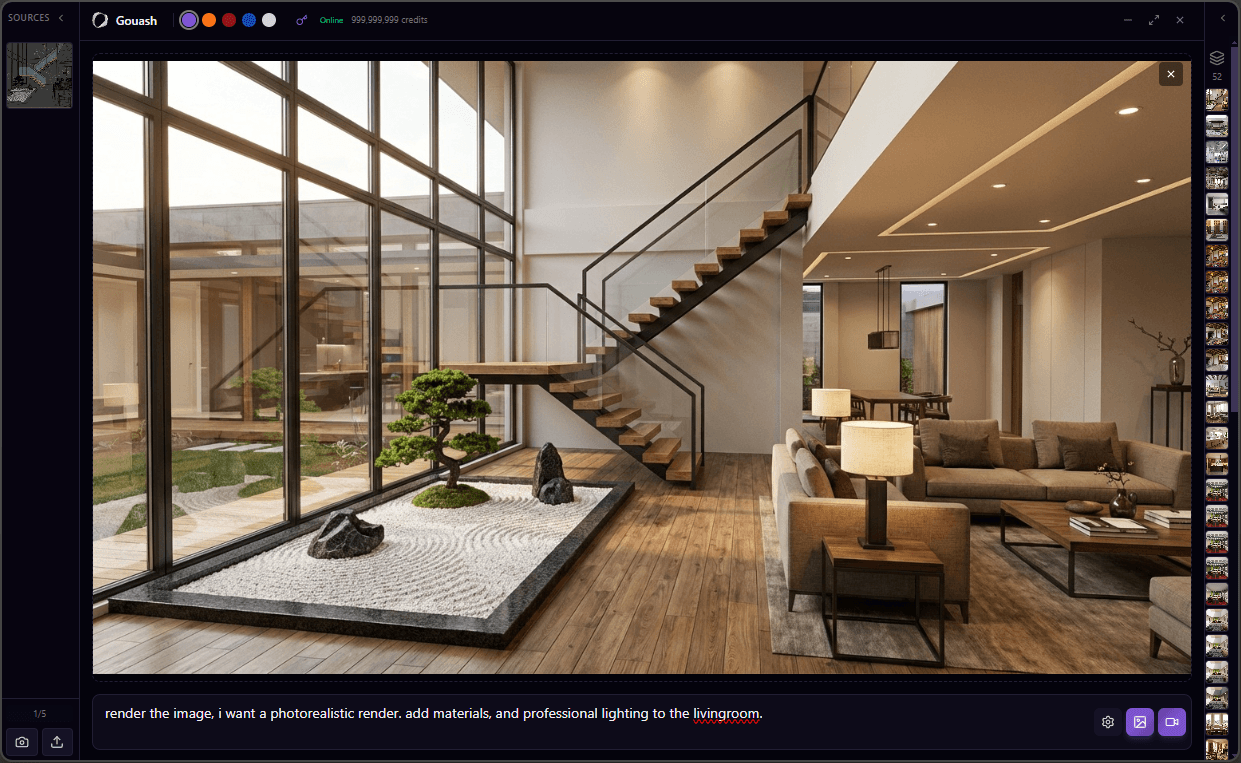
Gouash for Windows
The ultimate rendering companion for architects and designers. Transform your 3D models into photorealistic images and stunning animations directly from your favorite design software.
Using SketchUp, Revit, or Rhino? Upload viewport captures from any CAD tool via web or the Windows companion.
Works seamlessly with your favorite 3D software





And many more Windows-based 3D applications
Everything You Need
Powerful features designed for architects, interior designers, and urban planners.
One-Click Capture
Capture your viewport directly from any 3D software with a single click. No exporting required.
AI-Powered Rendering
Transform your 3D models into photorealistic images using cutting-edge AI technology.
Stunning Animations
Create beautiful walkthrough animations and bring your architectural designs to life.
Cloud Sync
All your renders automatically sync to your Gouash web gallery for easy access anywhere.
Works With Any Software
Compatible with Revit, 3ds Max, Maya, Rhino, SketchUp, Blender, Cinema 4D, and many more.
Secure & Private
Your designs are processed securely. We never store your original 3D models.
See the Transformation
Drag the slider to see how Gouash transforms your 3D models into photorealistic renders.
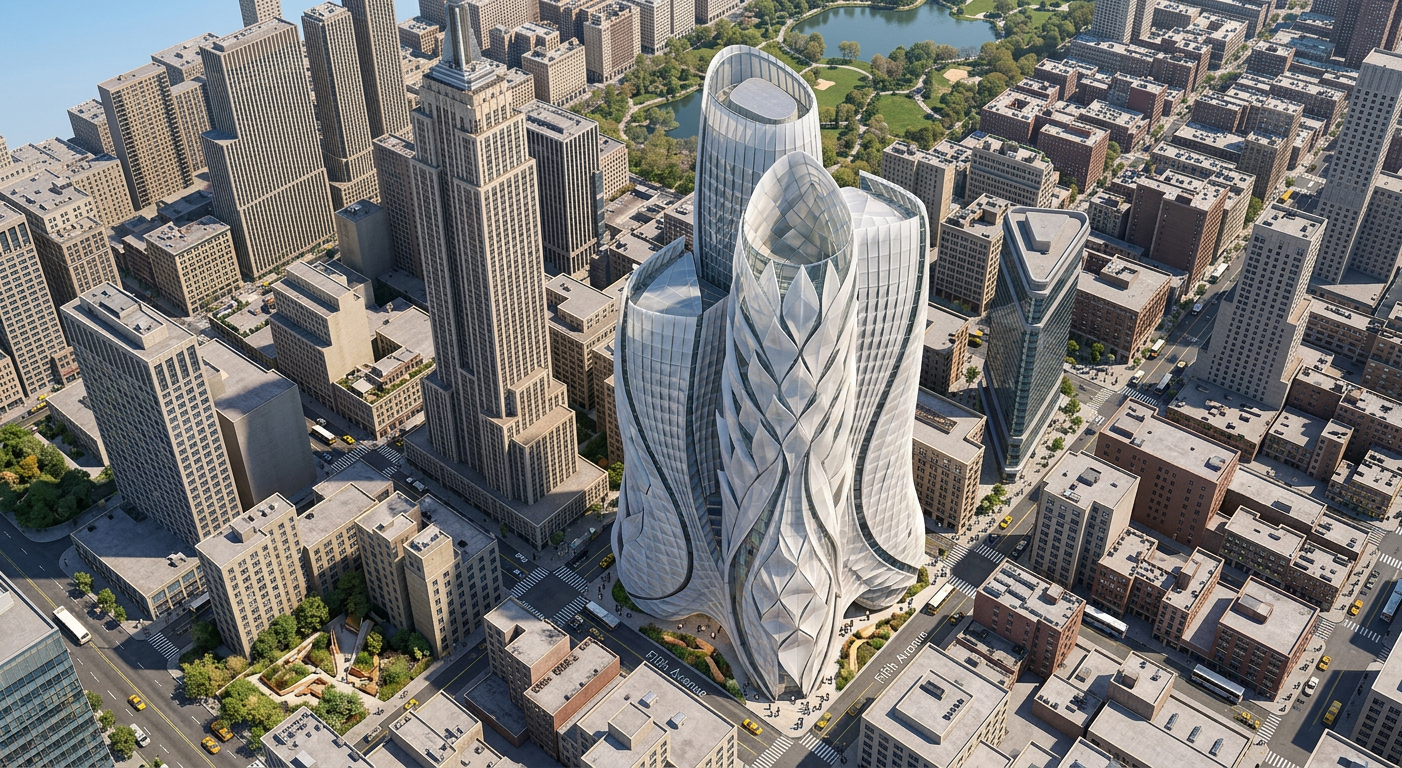
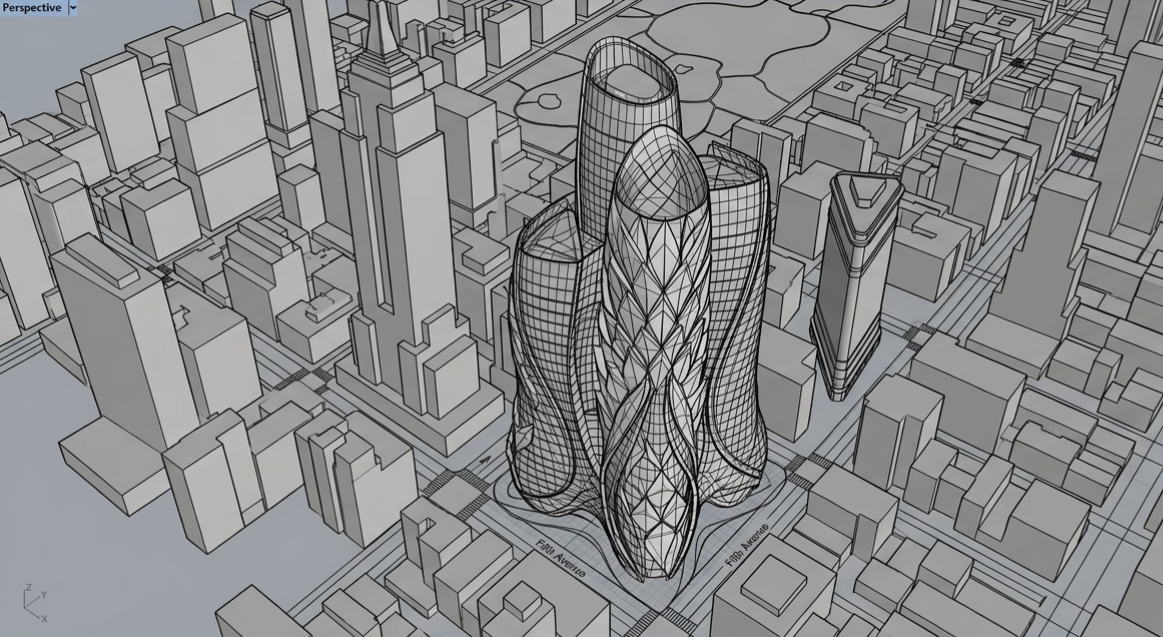
Biomimicry in Action (The Tulip) - Rhinoceros
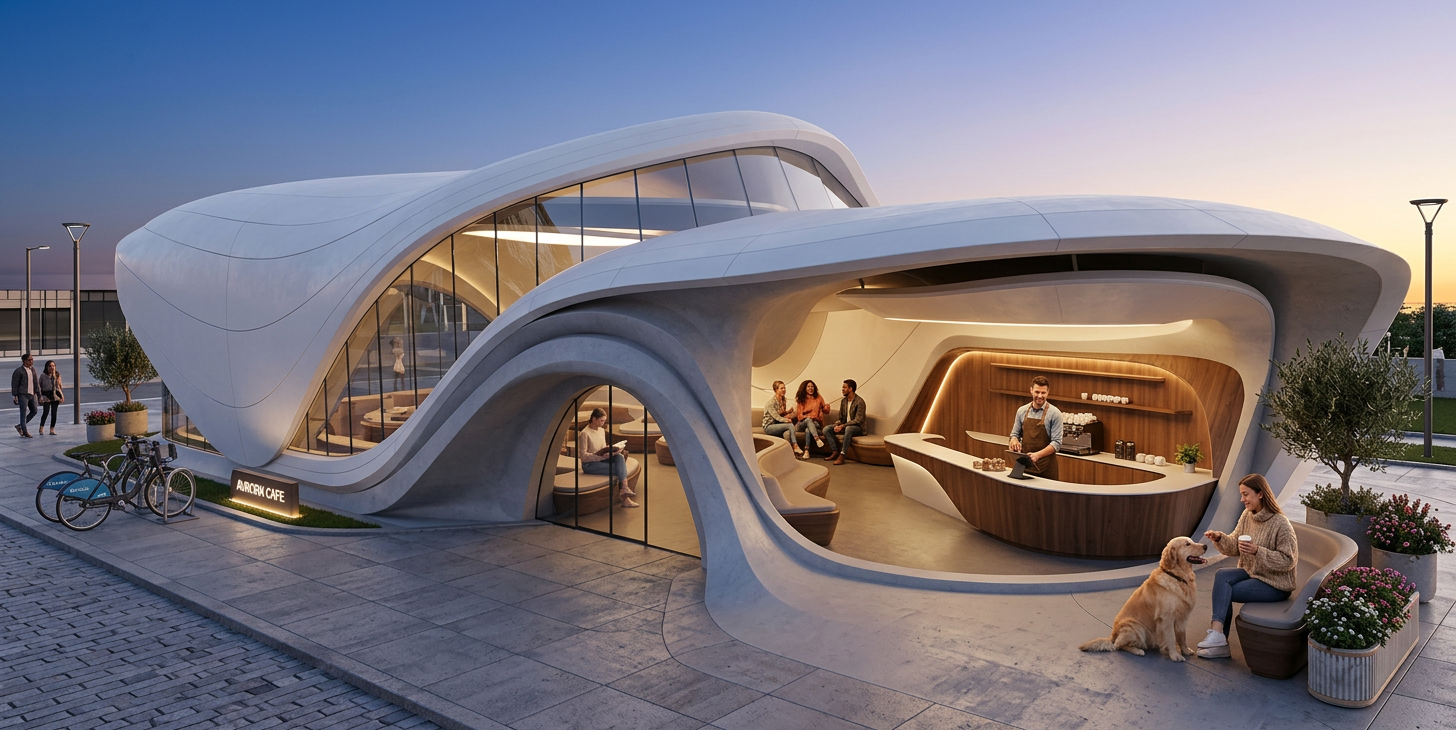
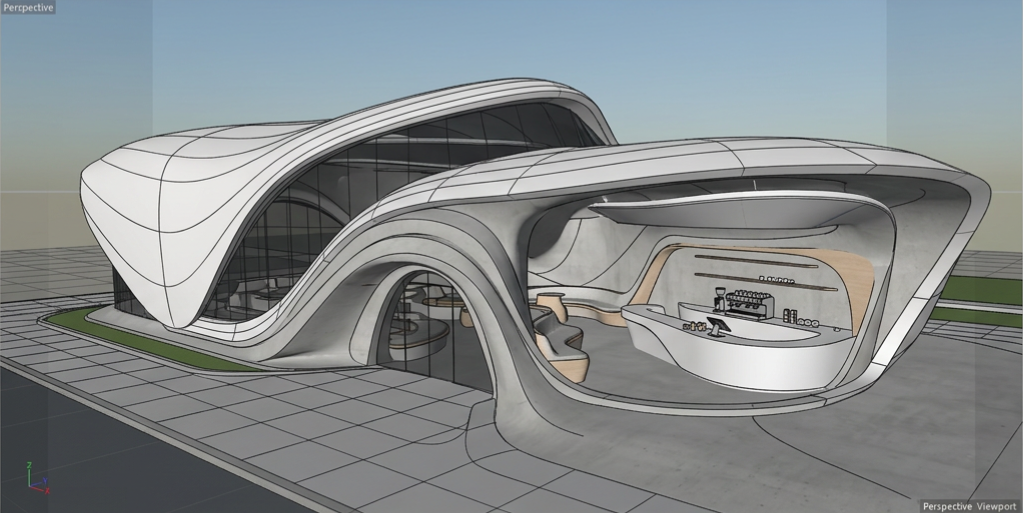
Coffee Shop Design - Cinema 4D
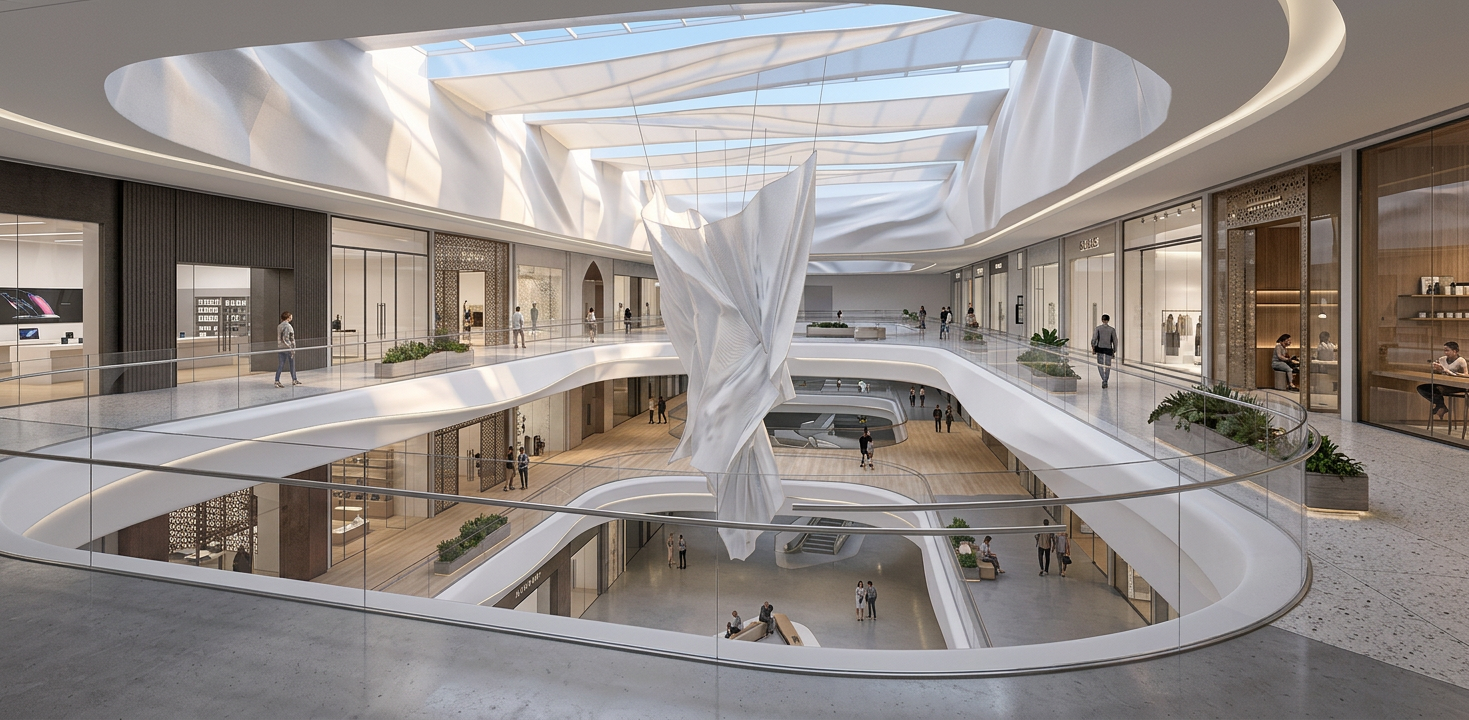
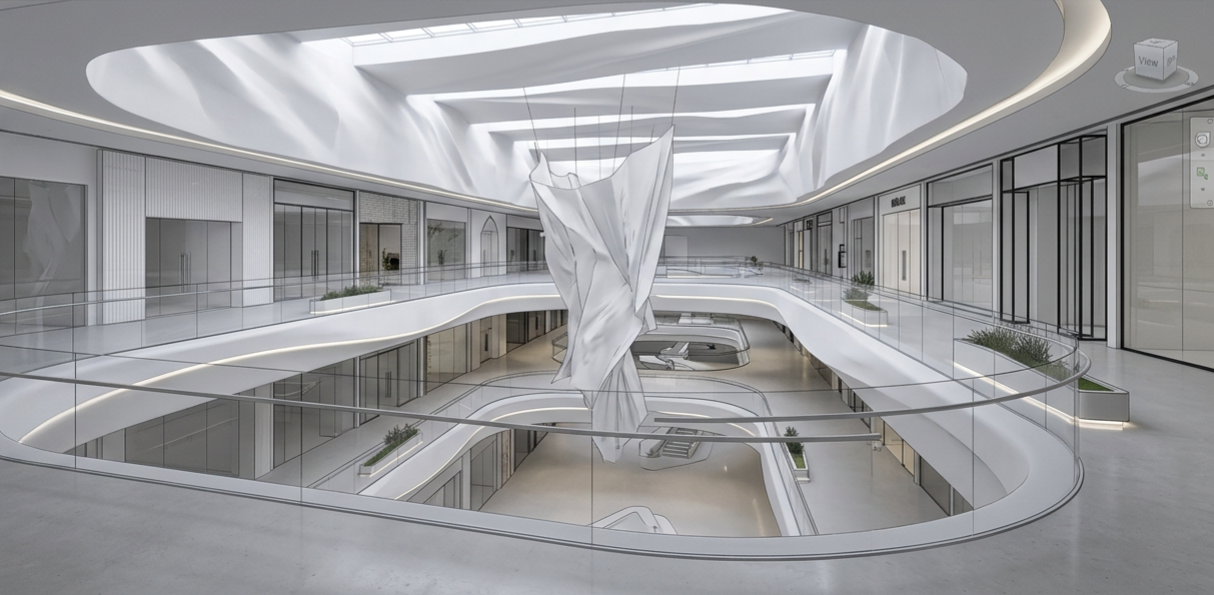
Luxury Mall Atrium - Revit
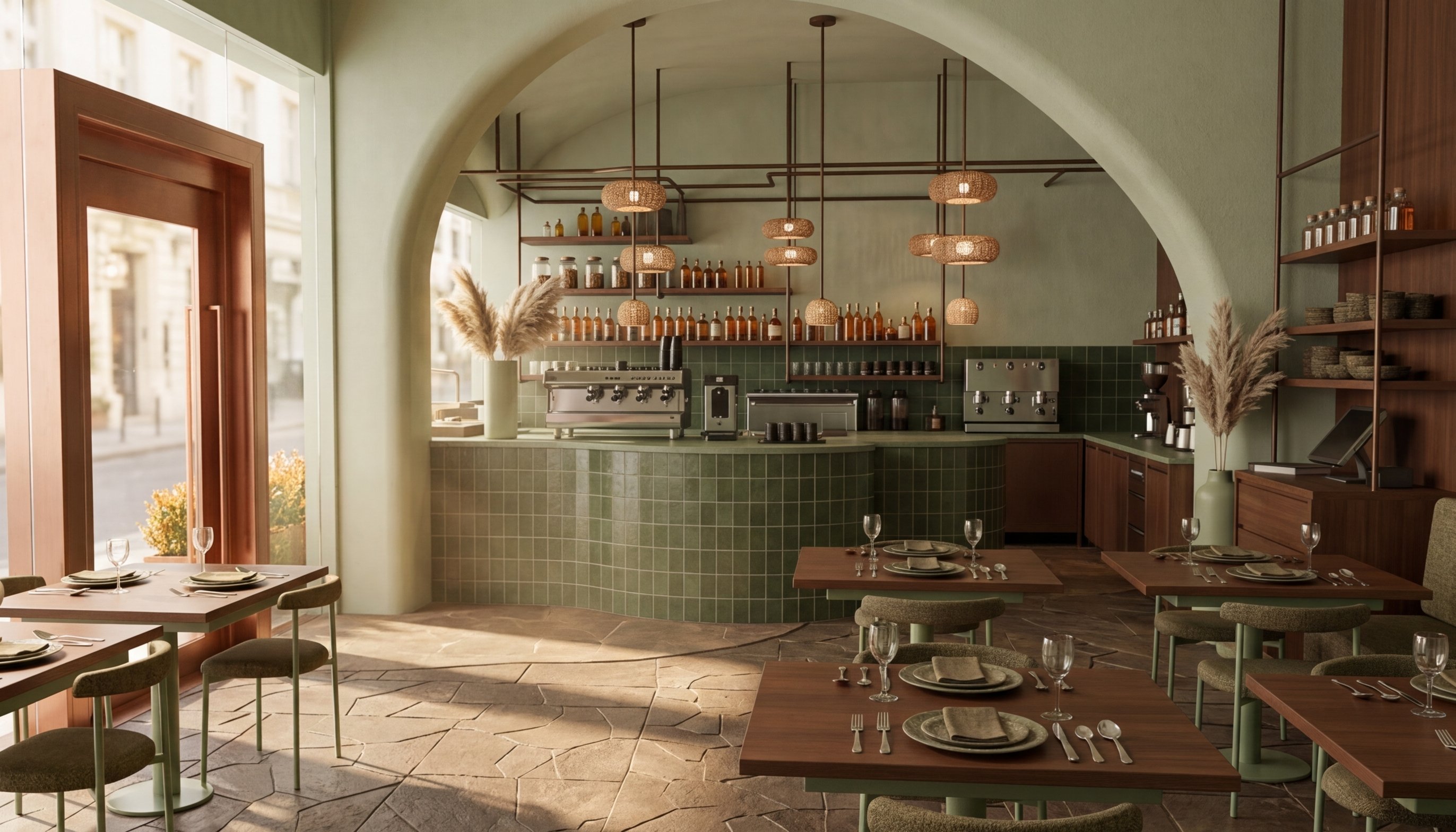
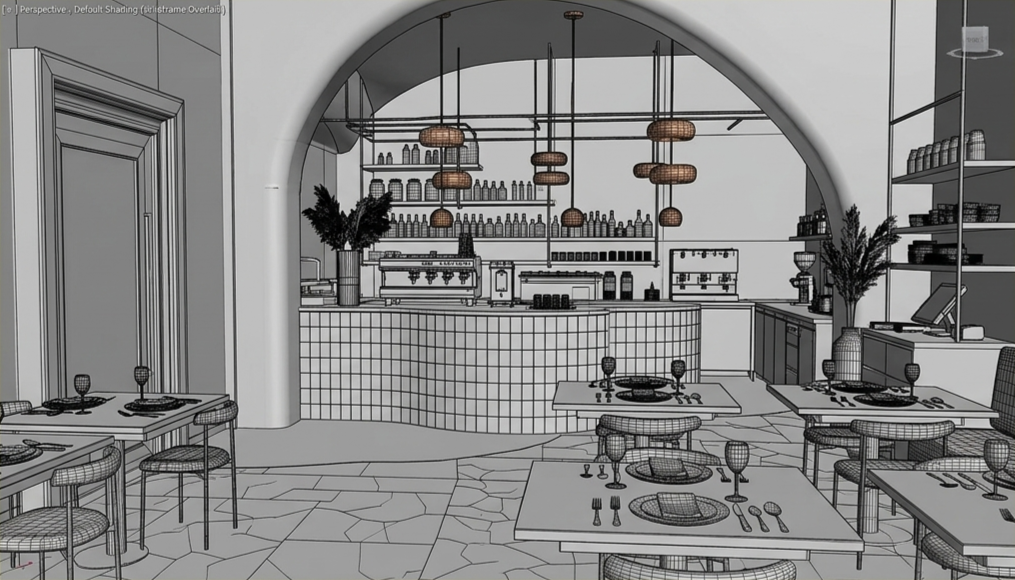
Café Design - 3ds Max
How It Works
Get started in minutes with a simple workflow.
Download & Install
Download Gouash for Windows and install it on your computer. The app requires an internet connection to work.
Connect Your Account
Click the Key icon at the top of the app and paste your API key from your Gouash profile to connect your account.
Create Your Model
Work in your favorite 3D software - Revit, SketchUp, Blender, or any other Windows-based application.
Capture & Render
Position your camera, click Capture to take a screenshot, write a descriptive prompt, and hit Render or Animate.
System Requirements
- Windows 10 or Windows 11 (64-bit)
- 4 GB RAM minimum (8 GB recommended)
- 620 MB available disk space
- Active internet connection
- Gouash account with API key
What's Included
- Unlimited screenshot captures
- AI-powered photorealistic rendering
- Animation generation capabilities
- Automatic cloud sync to web gallery
- Free updates and improvements
Ready to Get Started?
Download Gouash for Windows and start creating stunning renders today.
Version 1.0.0 | Windows 10/11 (64-bit) | 140 MB
Note: You need a Gouash account and API key to use the Windows app. Credits are deducted from your account at the same rates as the web application.
Don't have a Gouash account yet?
Create Free Account