workflow
From napkin sketch to presentation render
Use sketches as generation references — Gouash interprets layout and massing while you control materials and mood.
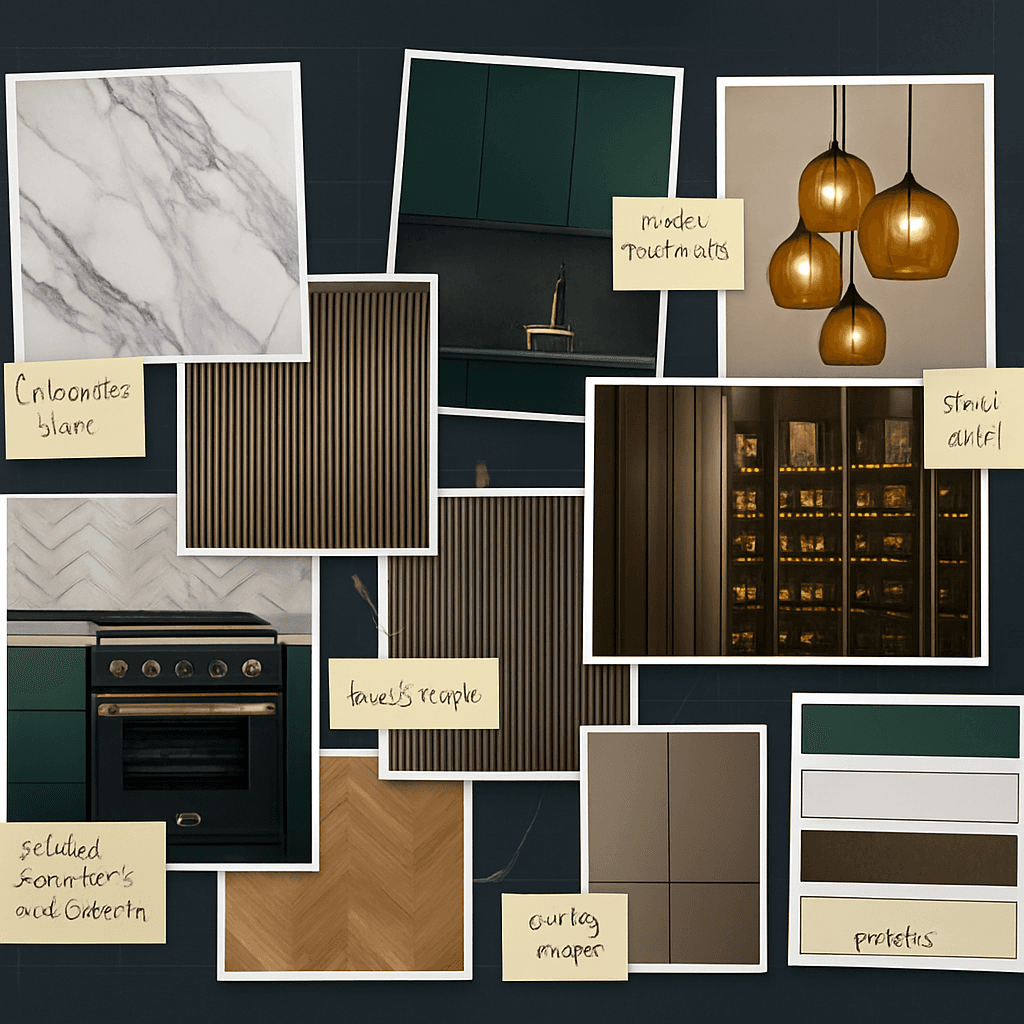
Typical workflow
- 1
Photograph or scan your sketch
- 2
Upload as a reference image in Create
- 3
Describe materials, lighting, and style direction
- 4
Iterate with edits instead of redrawing
What Gouash supports today
- Image-reference generation
- Batch variations for concept options
- Upscale for presentation export
- Save versions per project
Before & after
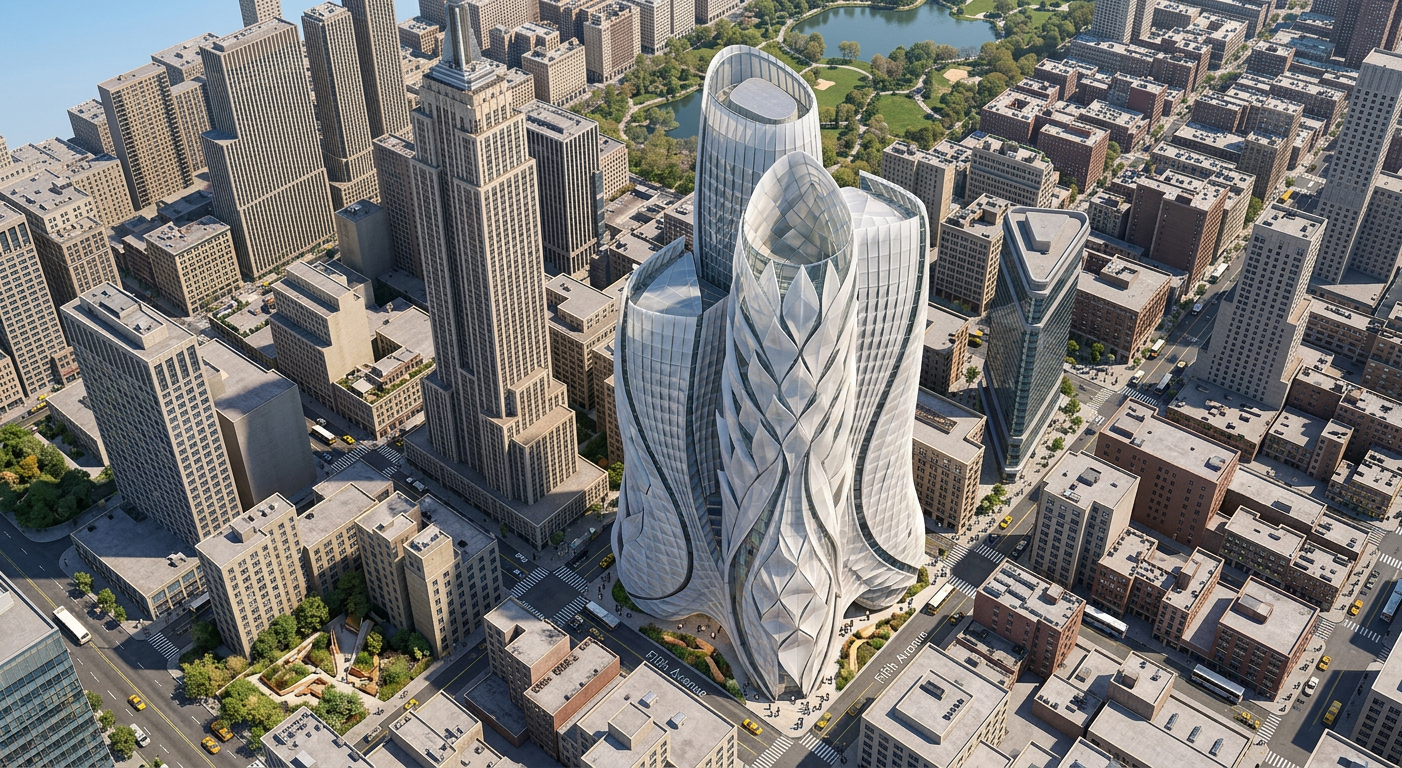
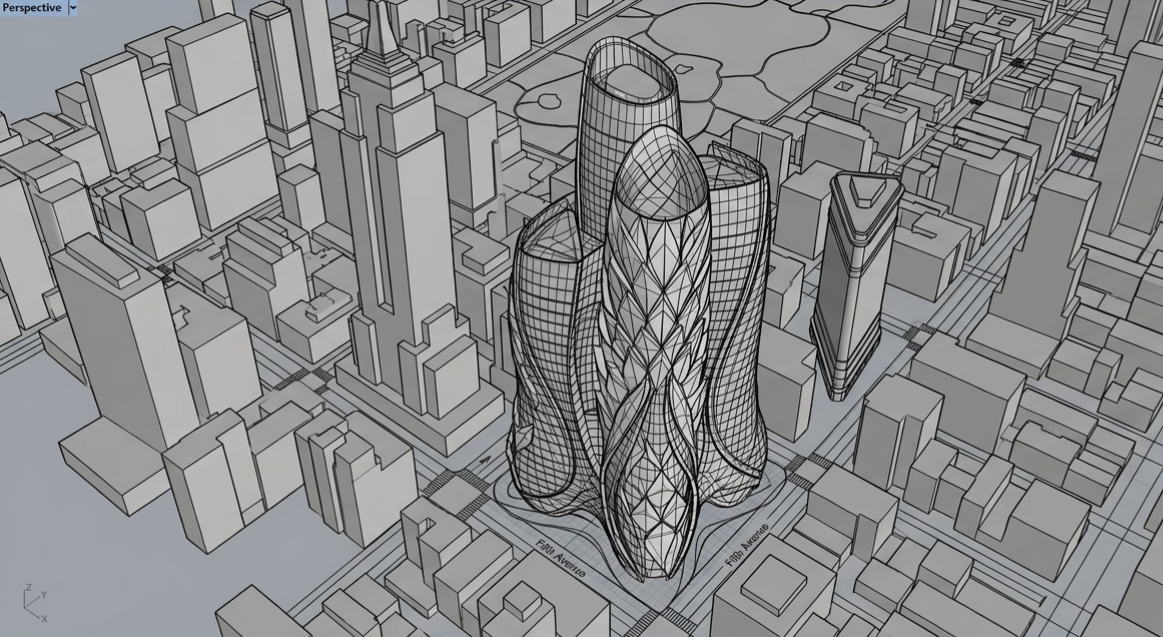
↔
Sketch to render
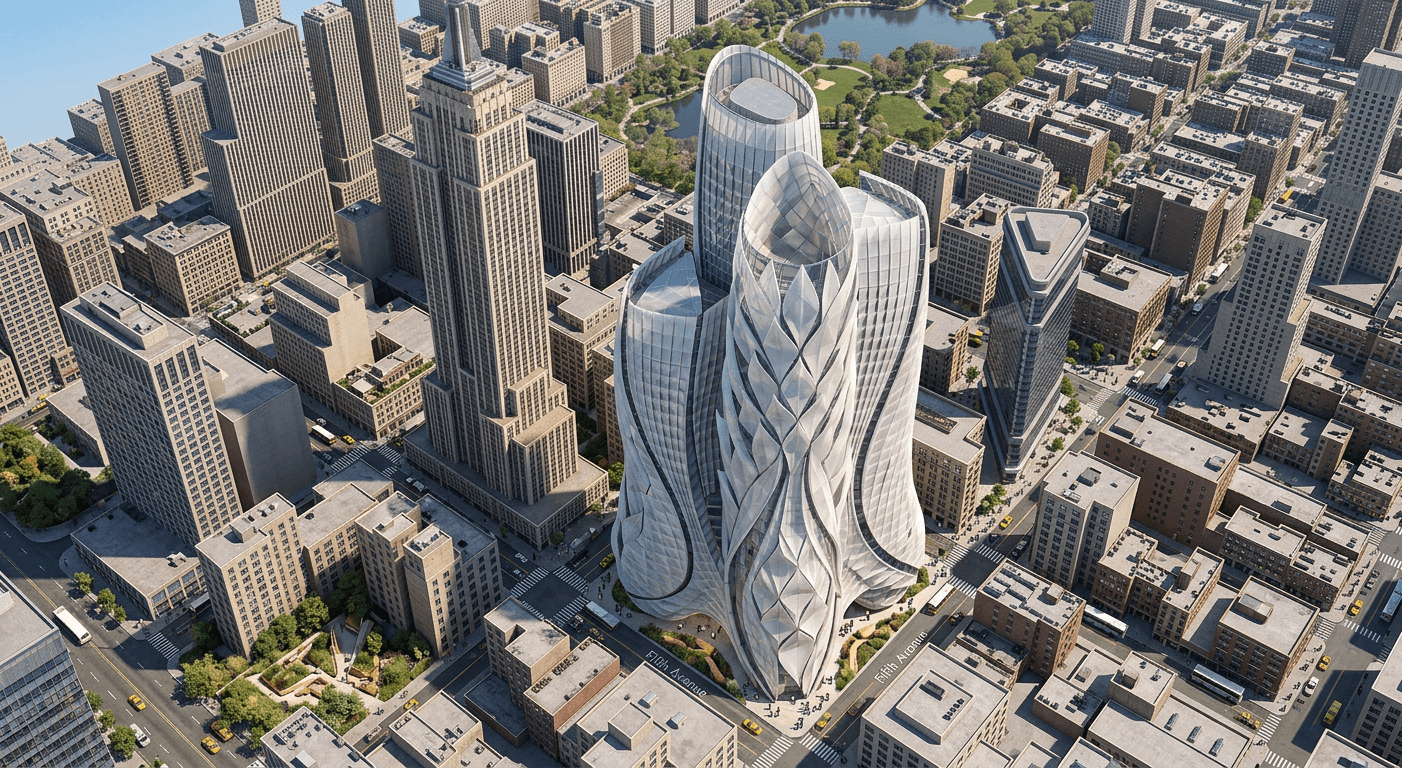
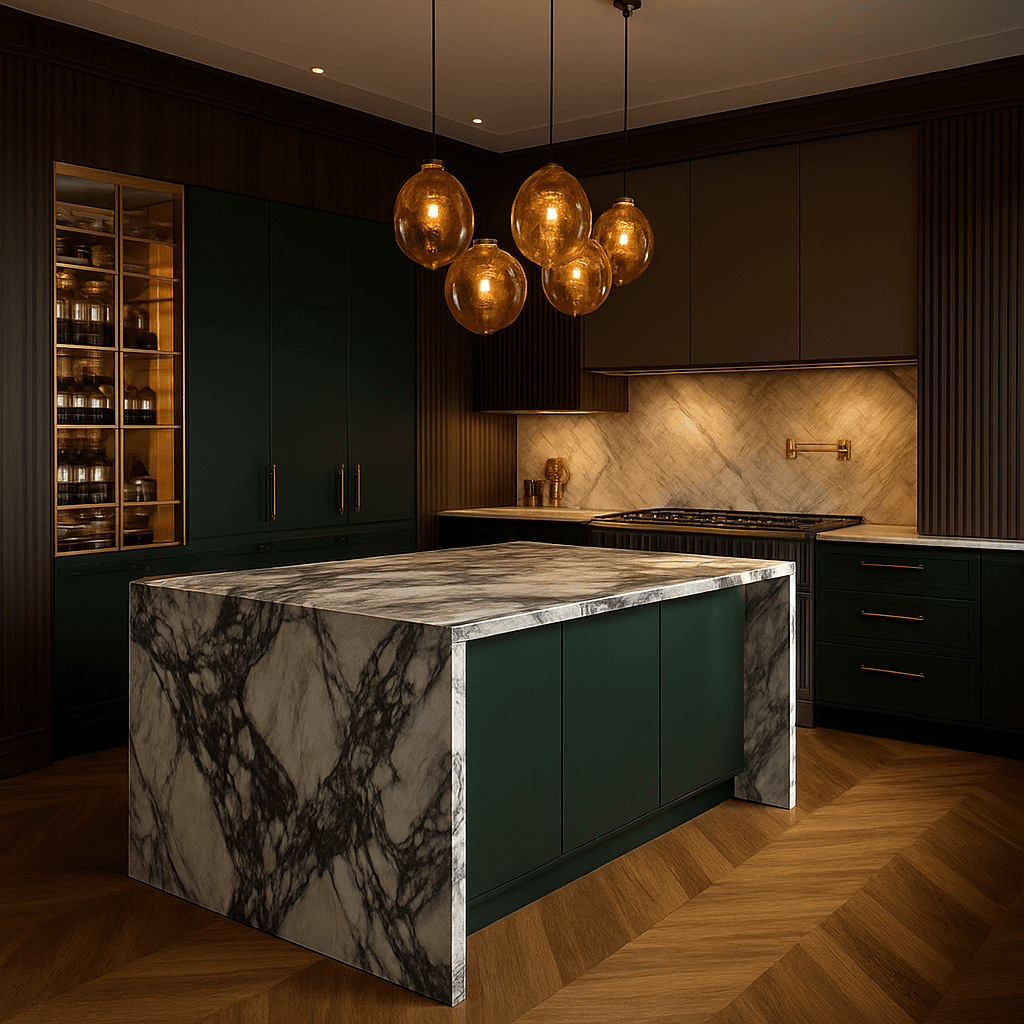
Example outputs
Try it on your next project
Start free, build a moodboard, and generate your first visual in minutes.