workflow
Your moodboard becomes the generation brief
Gouash Canvas is the differentiator — collect references, then generate from what you curated.
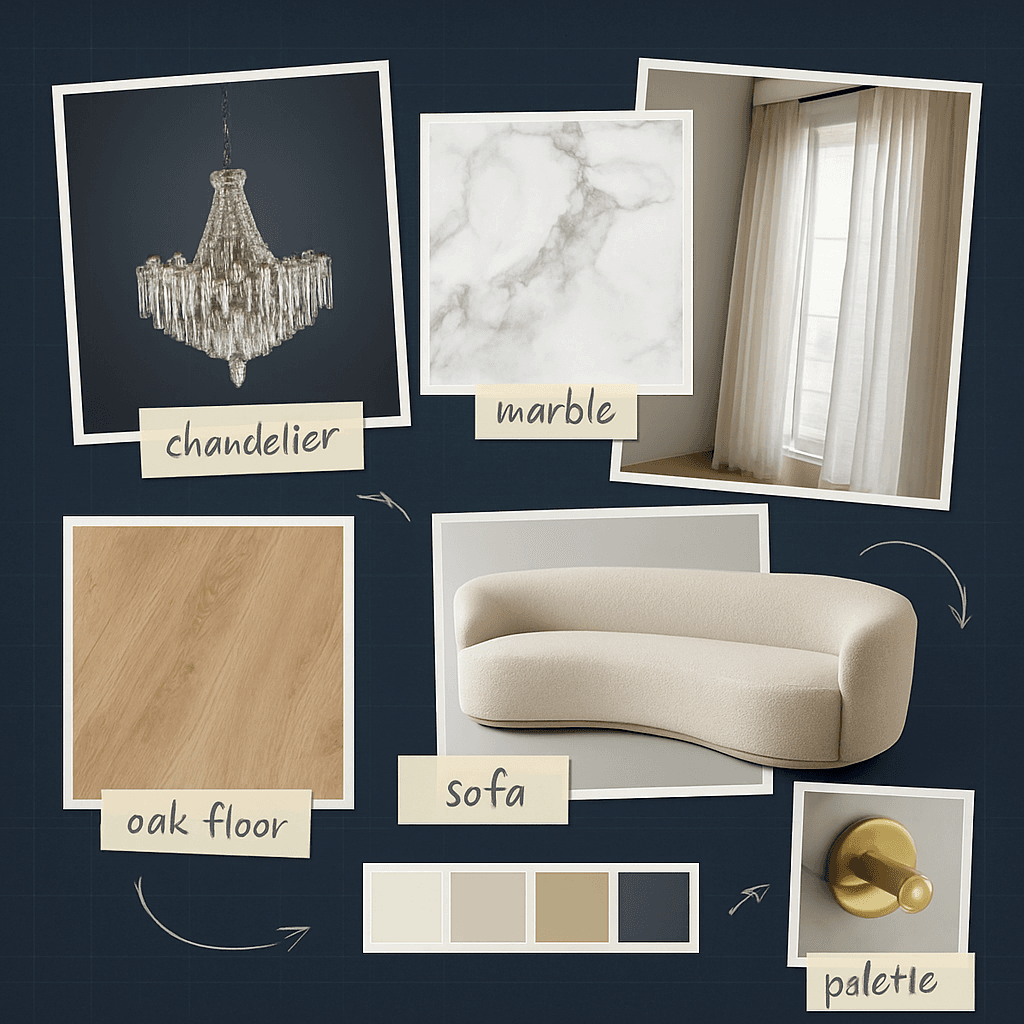
Typical workflow
- 1
Drop references onto Canvas (materials, furniture, photos)
- 2
Select key moodboard images as generation context
- 3
Write a brief that references the board direction
- 4
Generate and refine options for client review
What Gouash supports today
- Durable cloud Canvas per project
- Moodboard images as generation references
- Project style memory from approvals
- Share moodboards on client review links
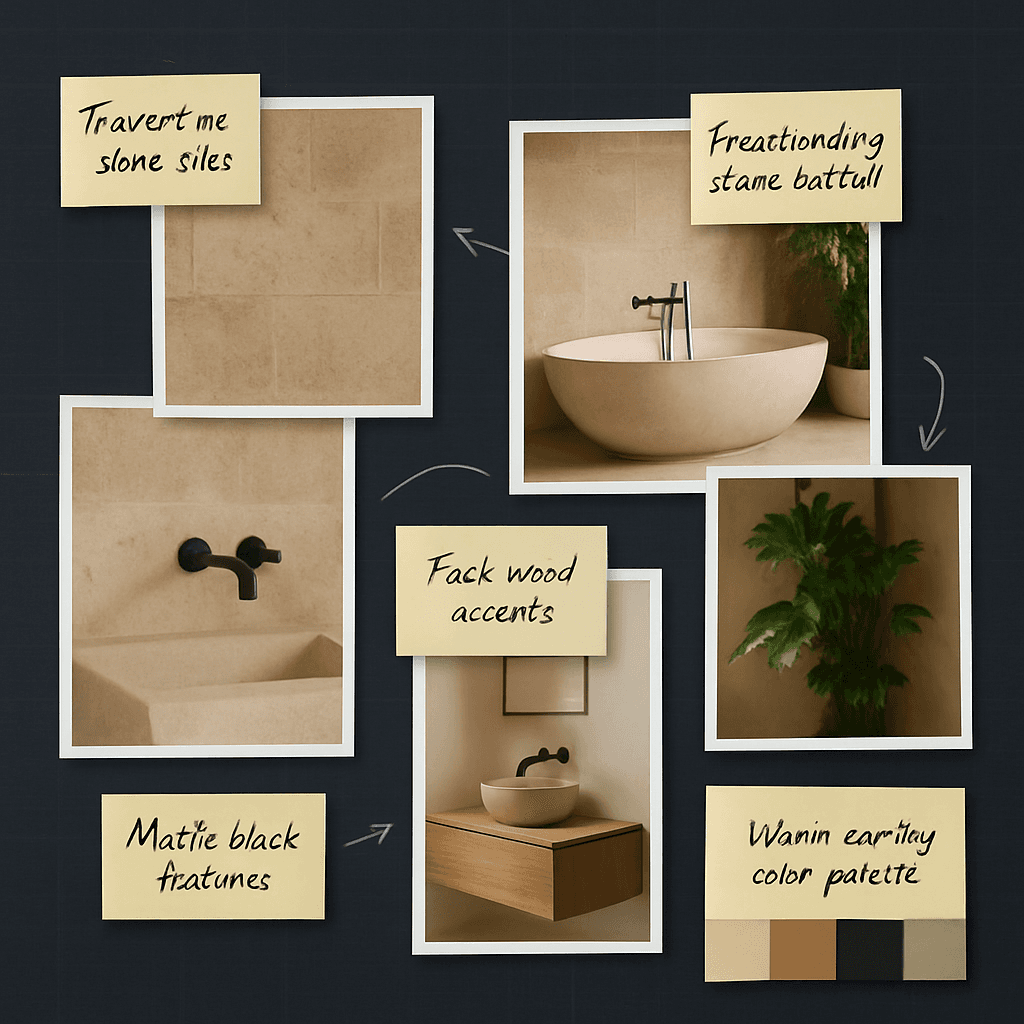
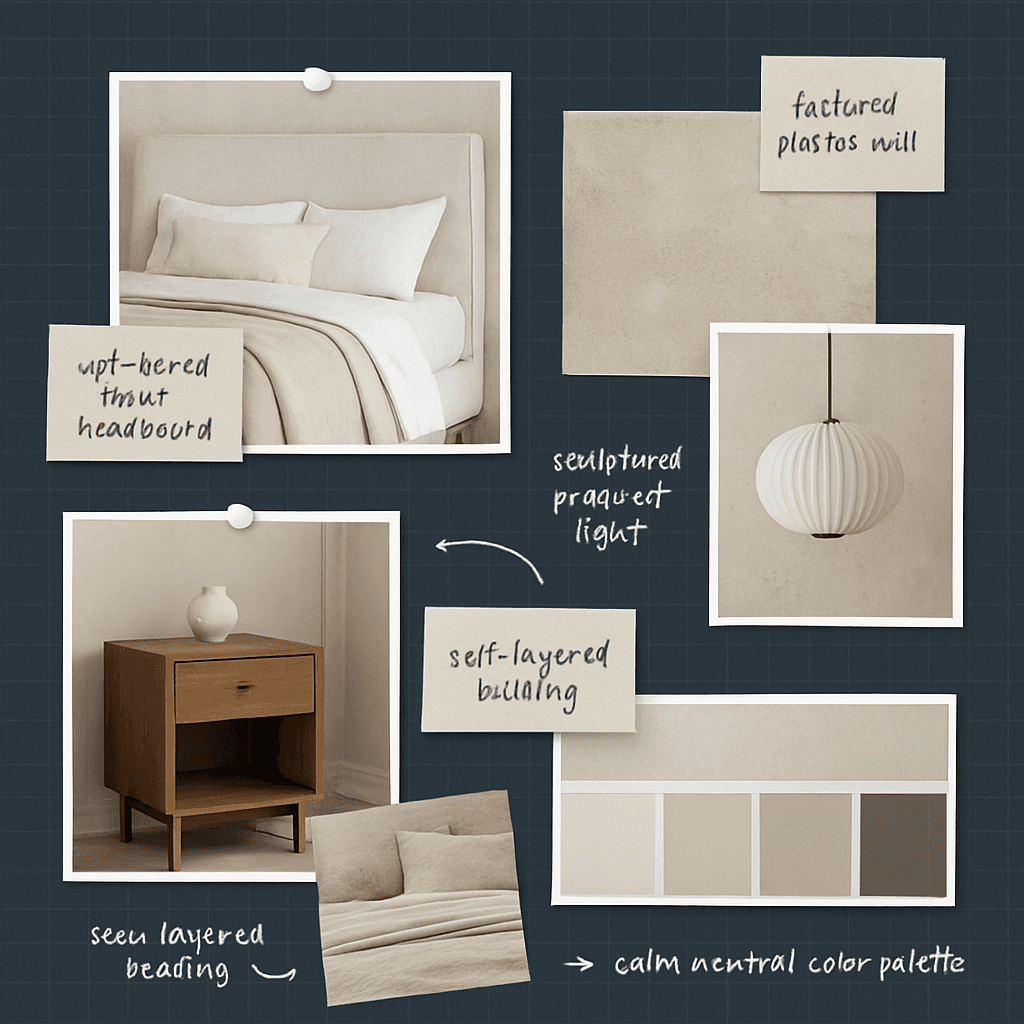
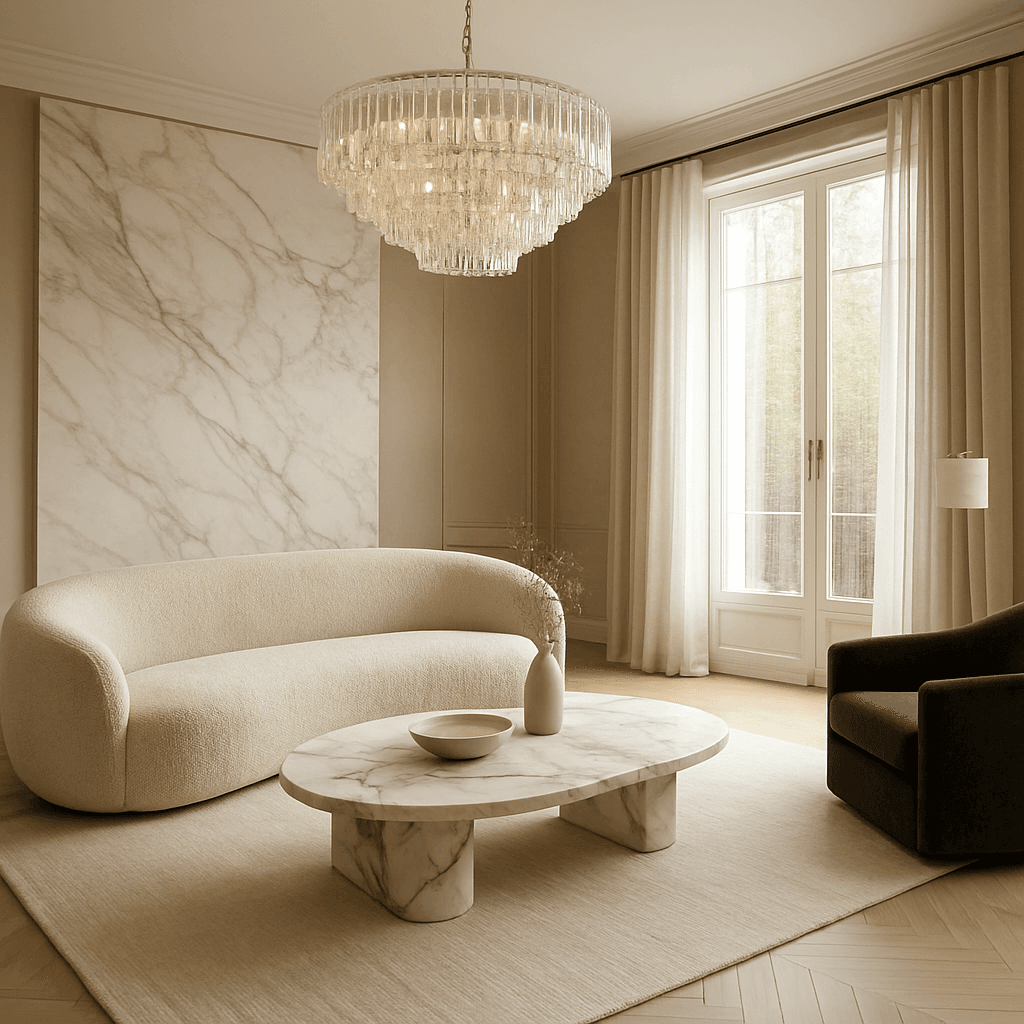
Example outputs
Try it on your next project
Start free, build a moodboard, and generate your first visual in minutes.