integration
Rhino captures → fast presentation visuals
Ideal for early massing studies and interior concept views exported from Rhino.
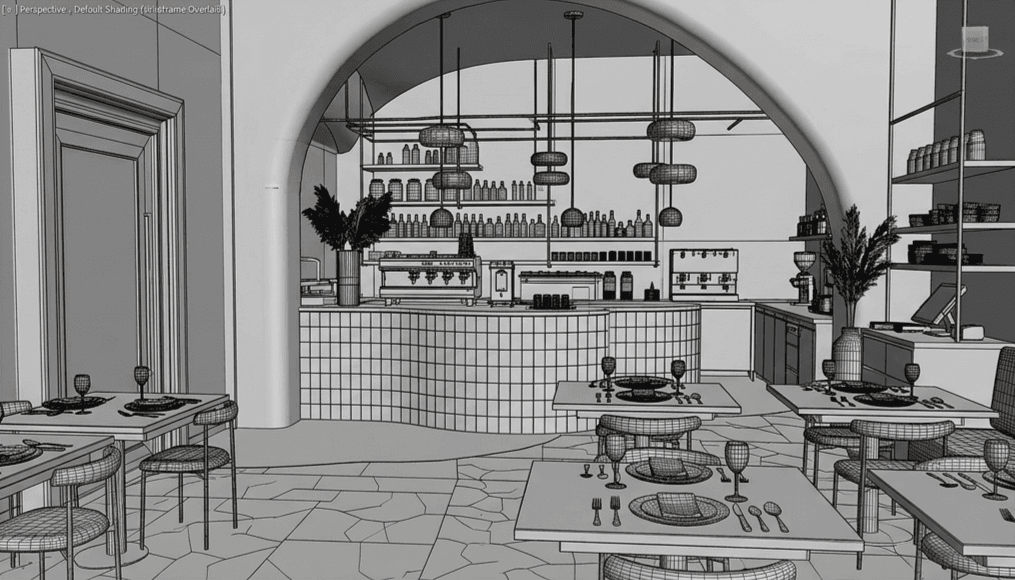
Rhino workflow is capture-based through Gouash web, Windows companion, or Plugin API. Native Rhino plugin is a future milestone.
Typical workflow
- 1
Capture your Rhino viewport
- 2
Send to Gouash via upload or API key
- 3
Prompt specific materials and atmosphere
- 4
Compare before/after on revision rounds
What Gouash supports today
- Viewport capture route (no credits)
- Render API for automated pipelines
- Workspace audit log for studio compliance
- Style presets per project
Before & after
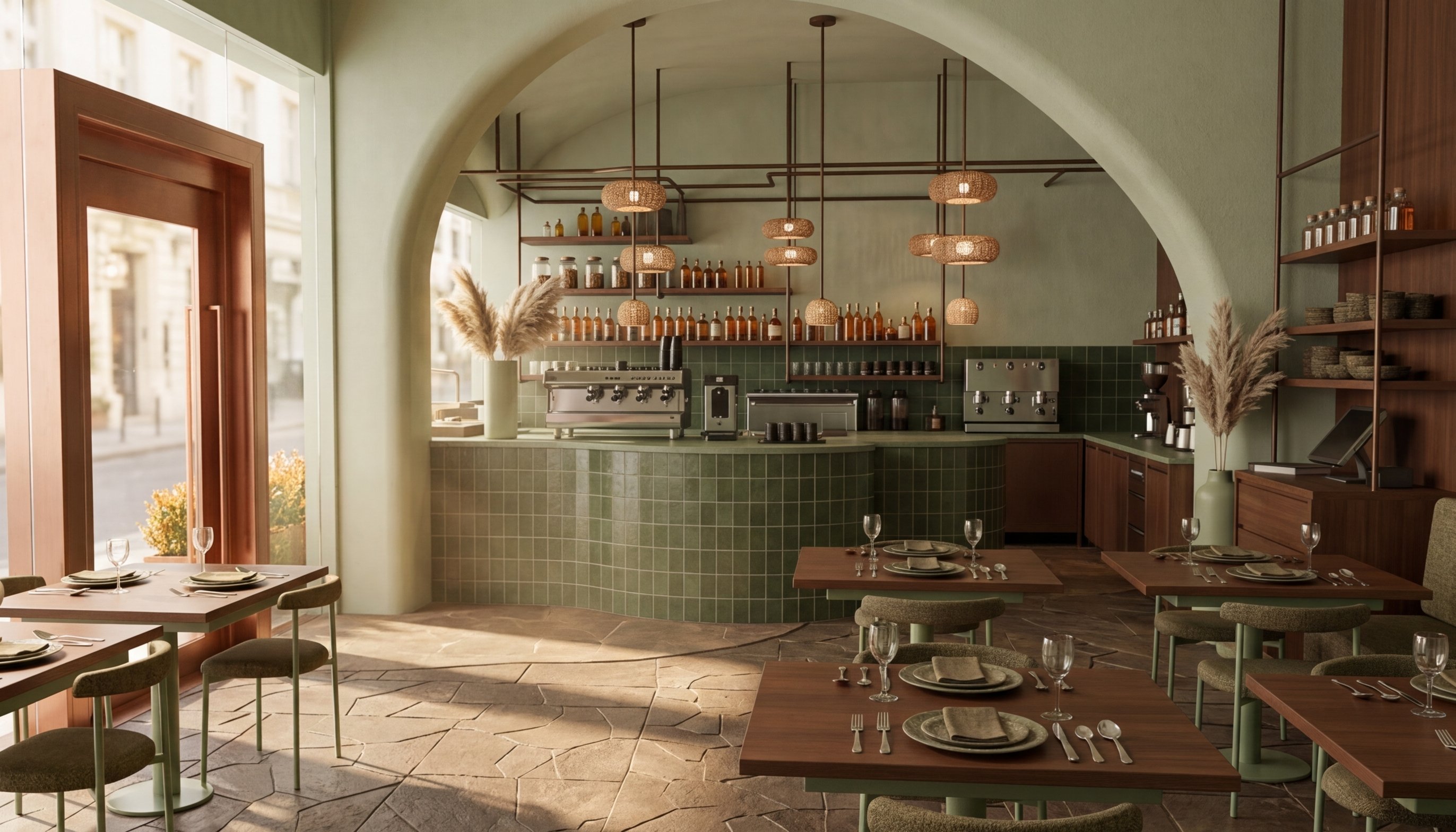
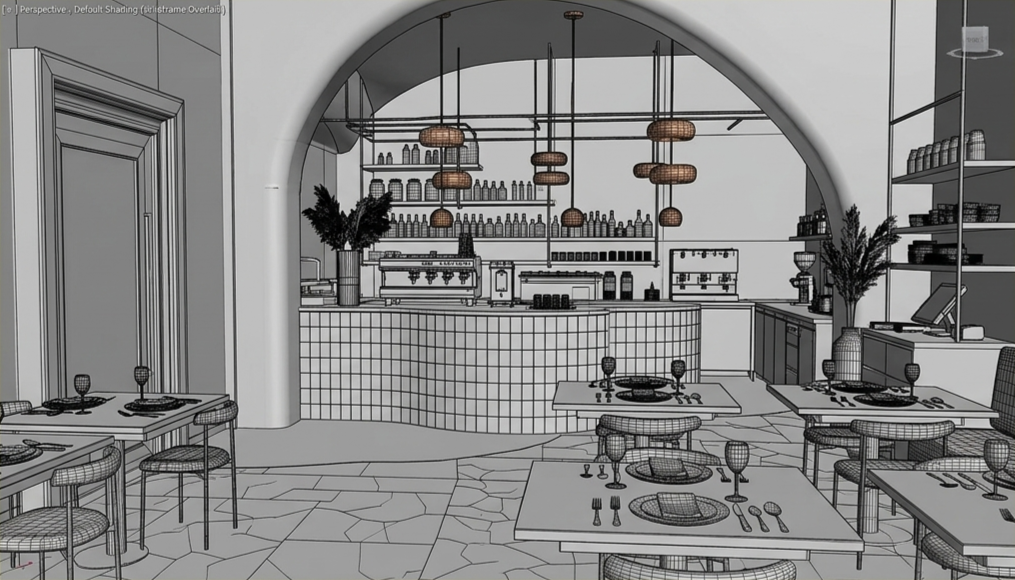
↔
Rhino viewport to render
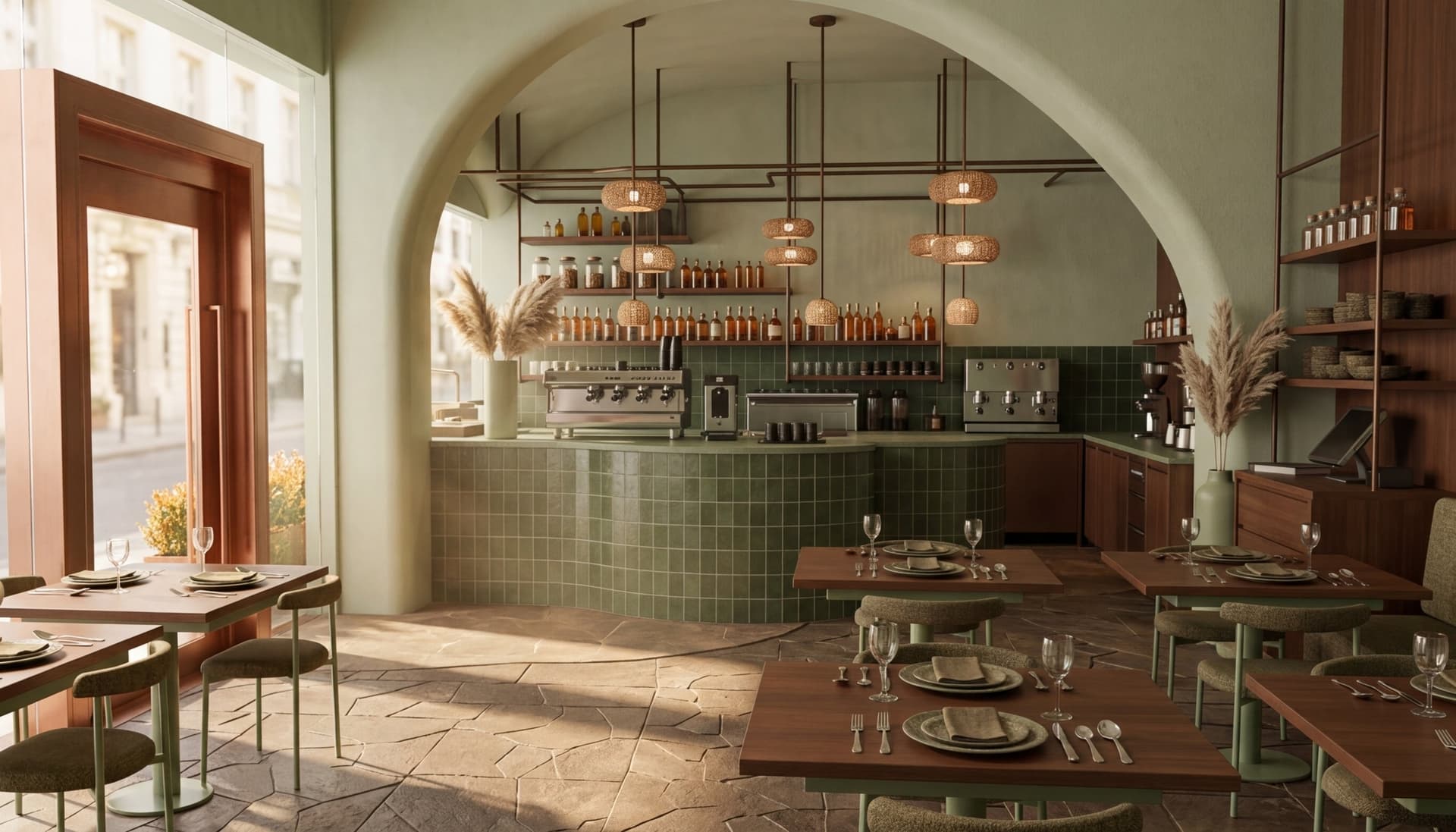
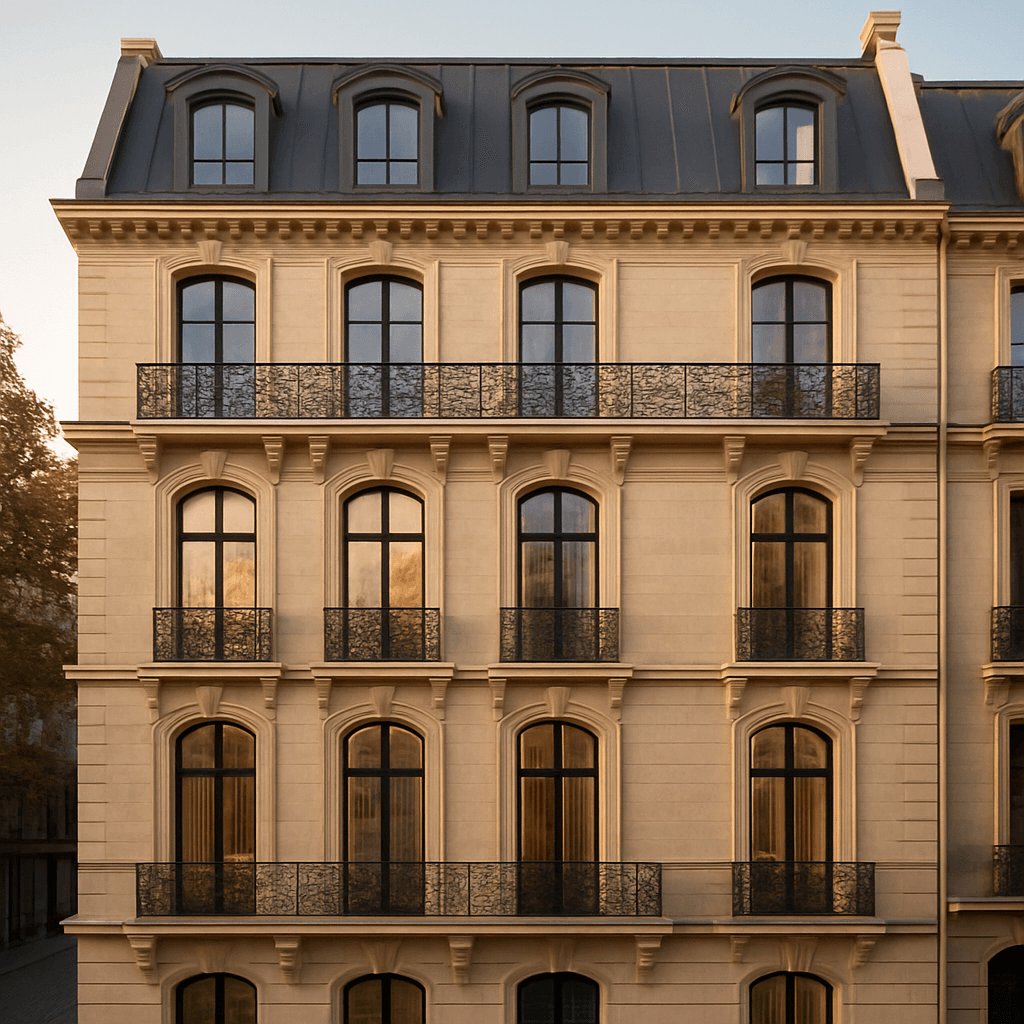
Example outputs
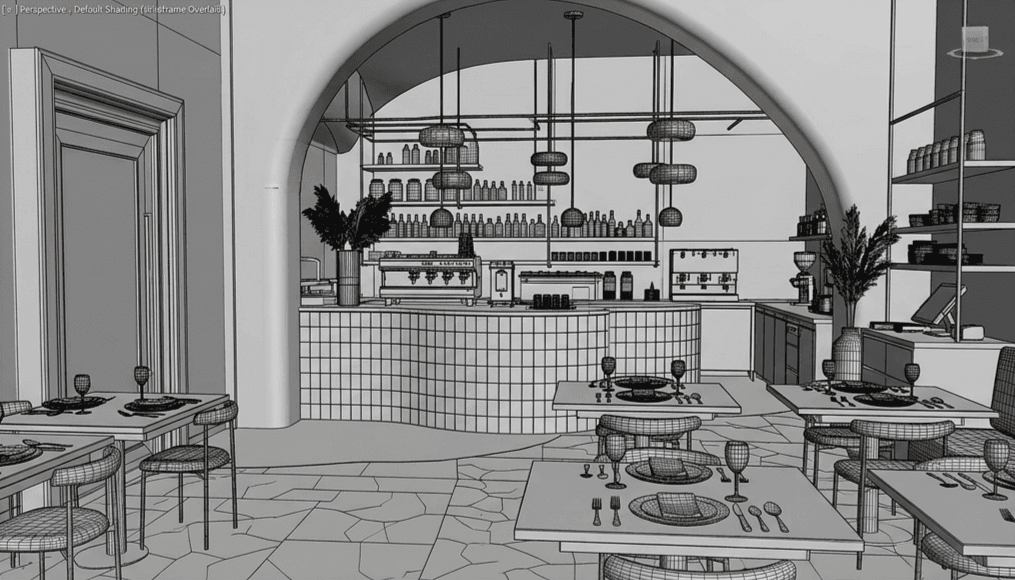
Try it on your next project
Start free, build a moodboard, and generate your first visual in minutes.