integration
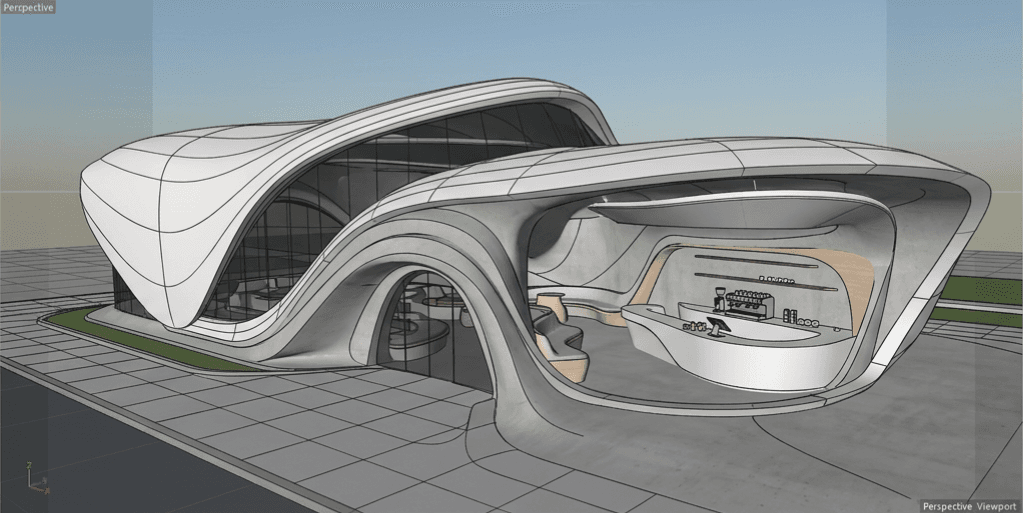
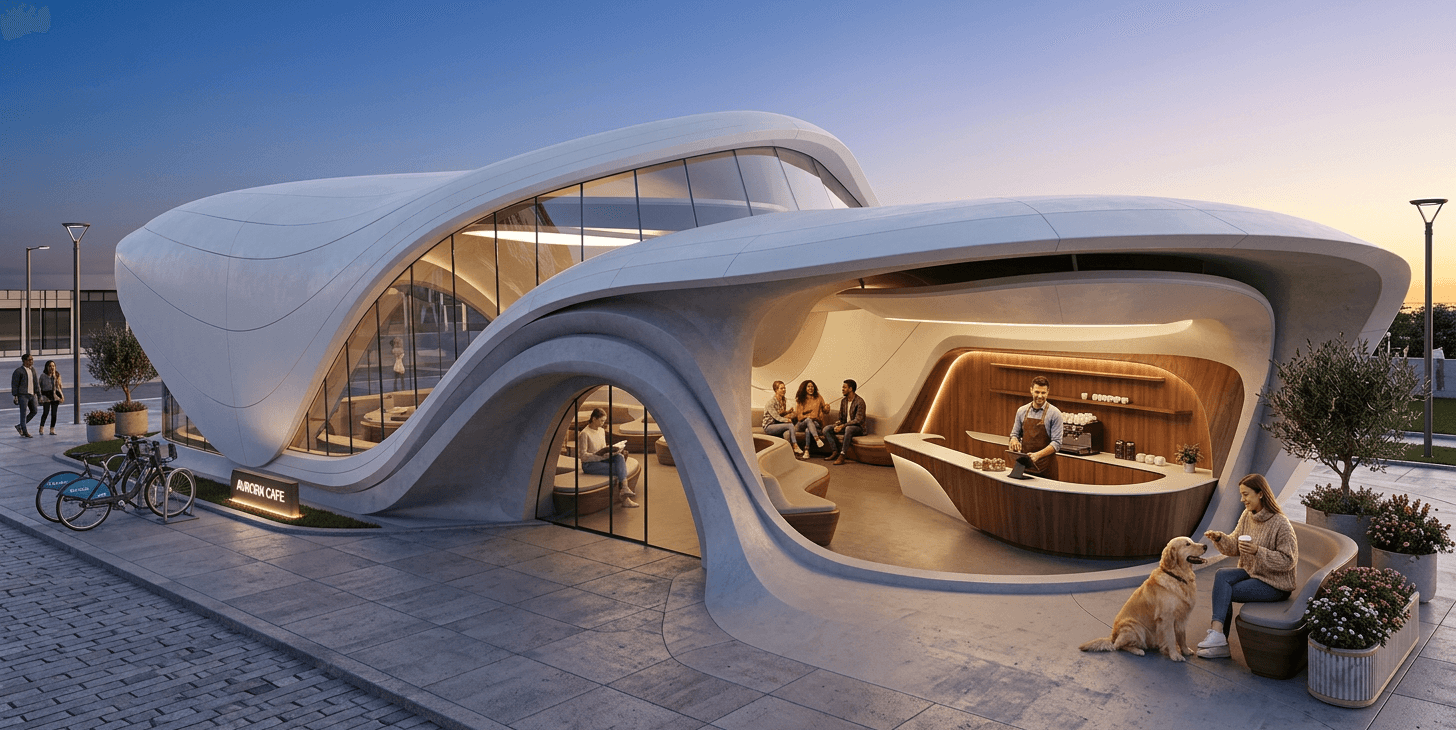
Revit viewport screenshots → AI presentation renders
Export a shaded or realistic viewport capture, upload to Gouash, and generate client-ready visuals tied to your project.
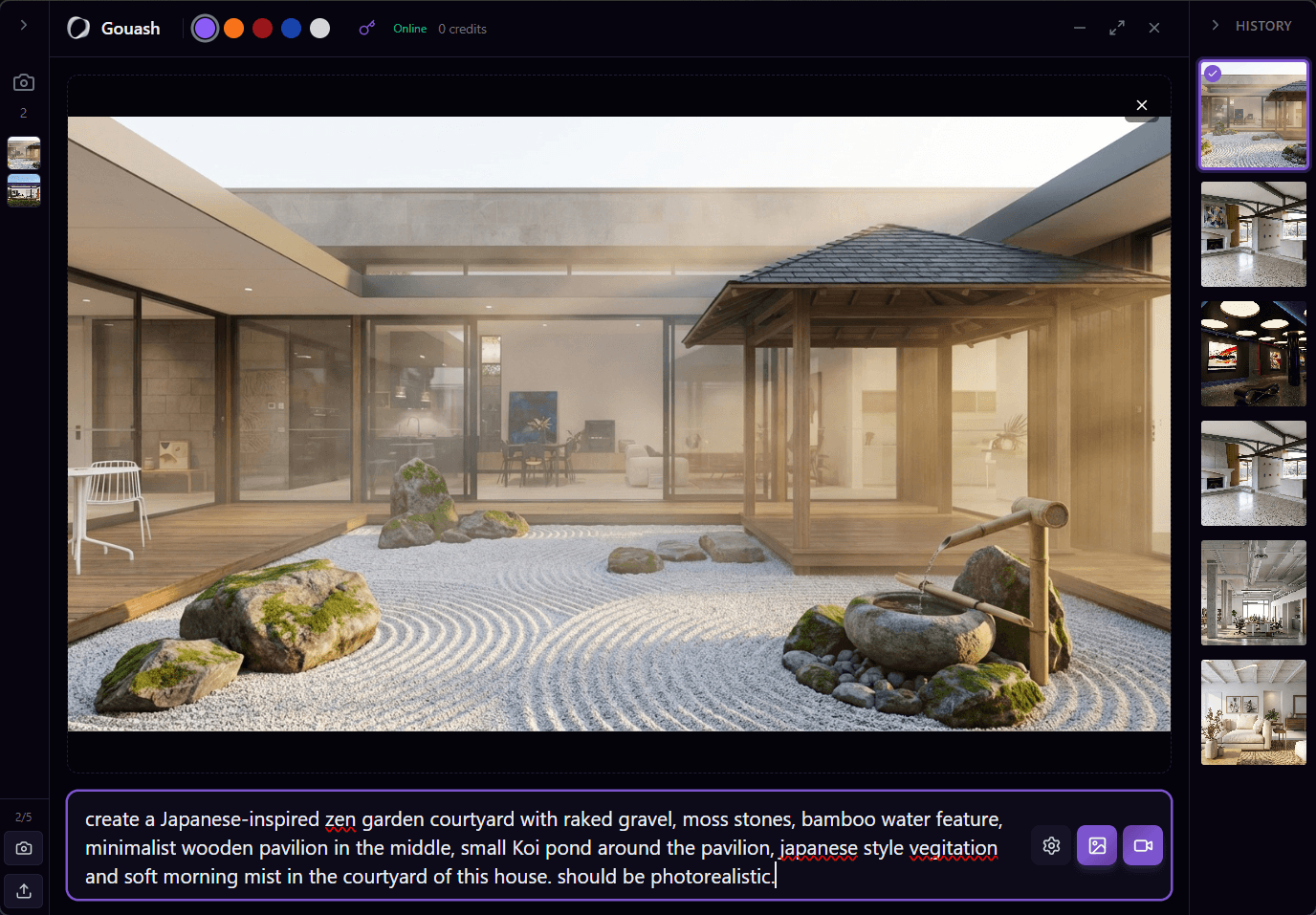
Gouash does not ship a native Revit add-in today. Use viewport captures with our Windows companion app or Plugin API. Native Revit integration is on the roadmap.
Typical workflow
- 1
Capture a Revit 3D view (screenshot or Windows companion)
- 2
Upload to Gouash or send via Plugin API
- 3
Prompt materials, lighting, and landscape context
- 4
Save outputs to your studio project gallery
What Gouash supports today
- Base64 and file upload via Plugin API
- Project-linked captures and renders
- Team workspace asset library
- Credit pool for studio accounts
Before & after
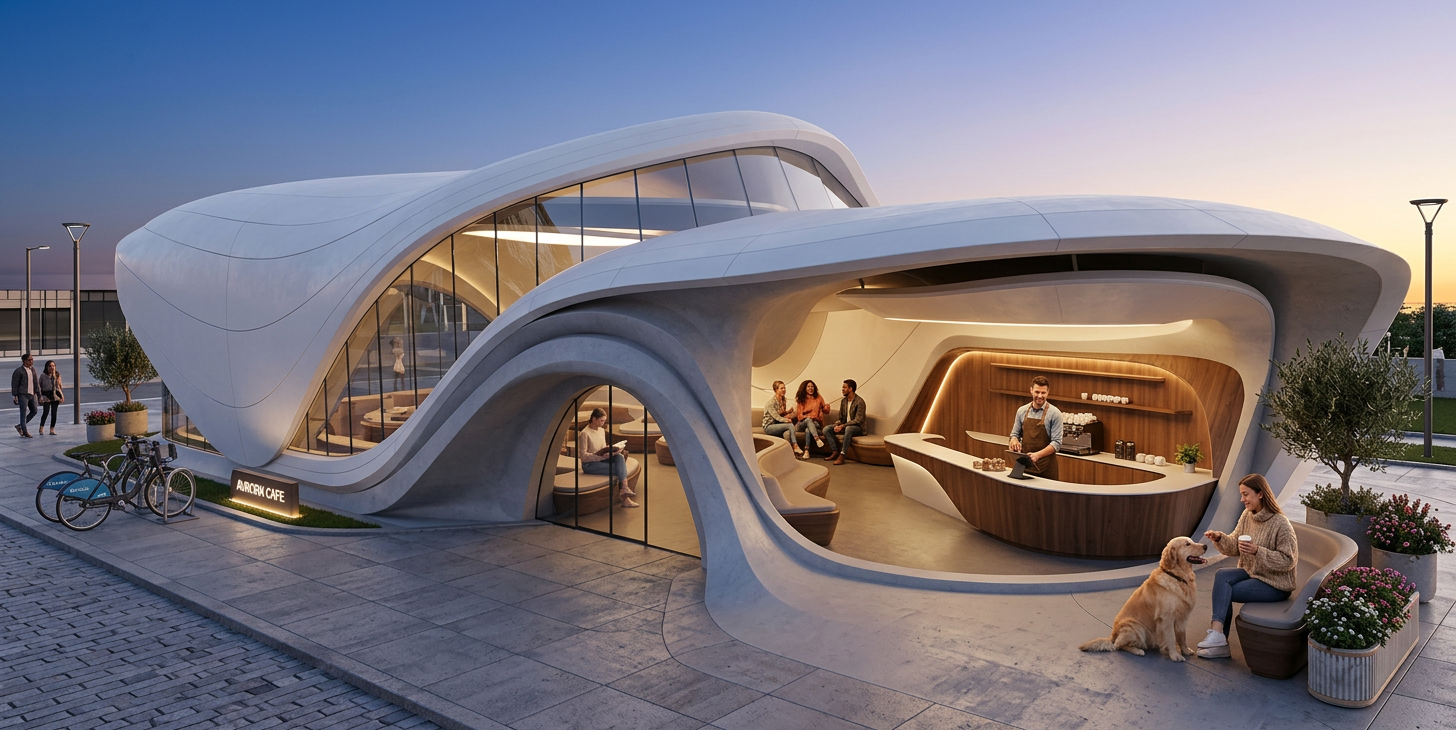
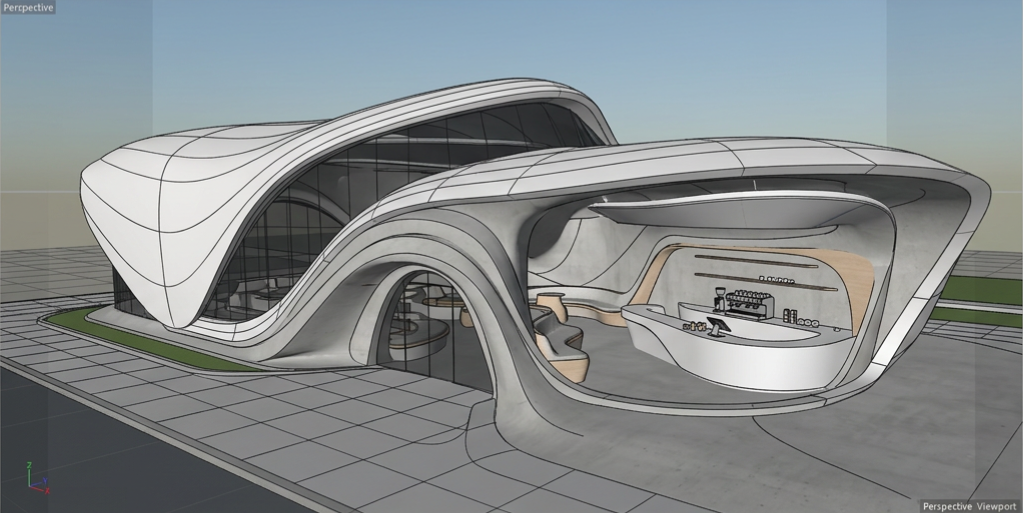
↔
Viewport to render
Example outputs
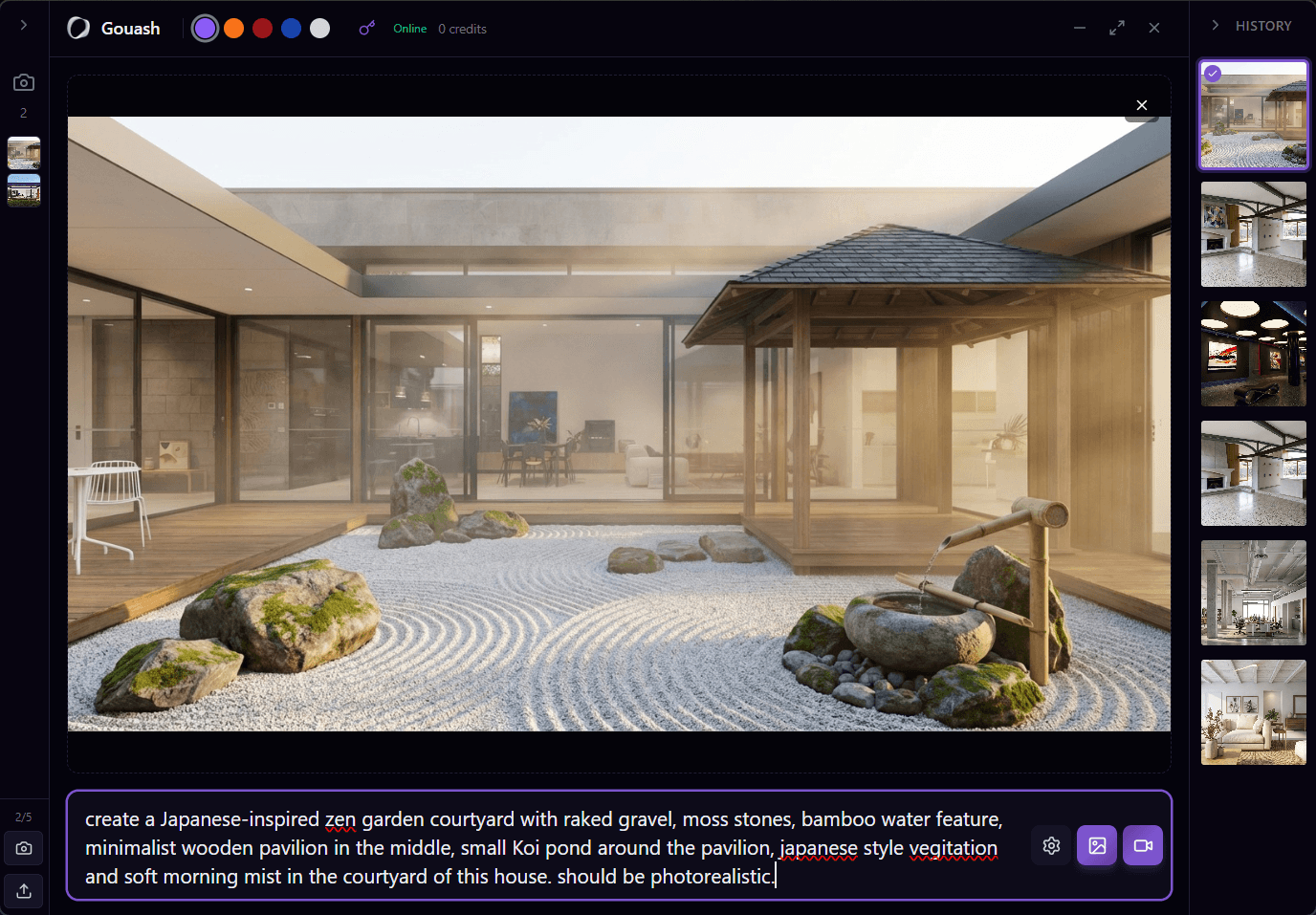
Try it on your next project
Start free, build a moodboard, and generate your first visual in minutes.